Learn
How to make books in SmartKDP
Short, specific tutorials for the things people actually get stuck on — with screenshots of the real editor. 29 lessons so far, and more being written.
Looking for how Amazon KDP itself works — trim sizes, printing costs, royalties? Those are in the guides and on the blog. This section is about using the editor.
- 29tutorials
- 7topics
- 0being written
Start here
- Design your first cover
Go from a blank cover to a print-ready file: generate a design, set the type, and check the geometry before you upload.
3 lessons · 21 min - Write and publish your first book
Write a manuscript in the editor, handle the parts long books need, and export the files you upload.
4 lessons · 27 min
All tutorials
Every published lesson, in the order we would take them.
Showing 1–9 of 29 tutorials
10 min · Beginner
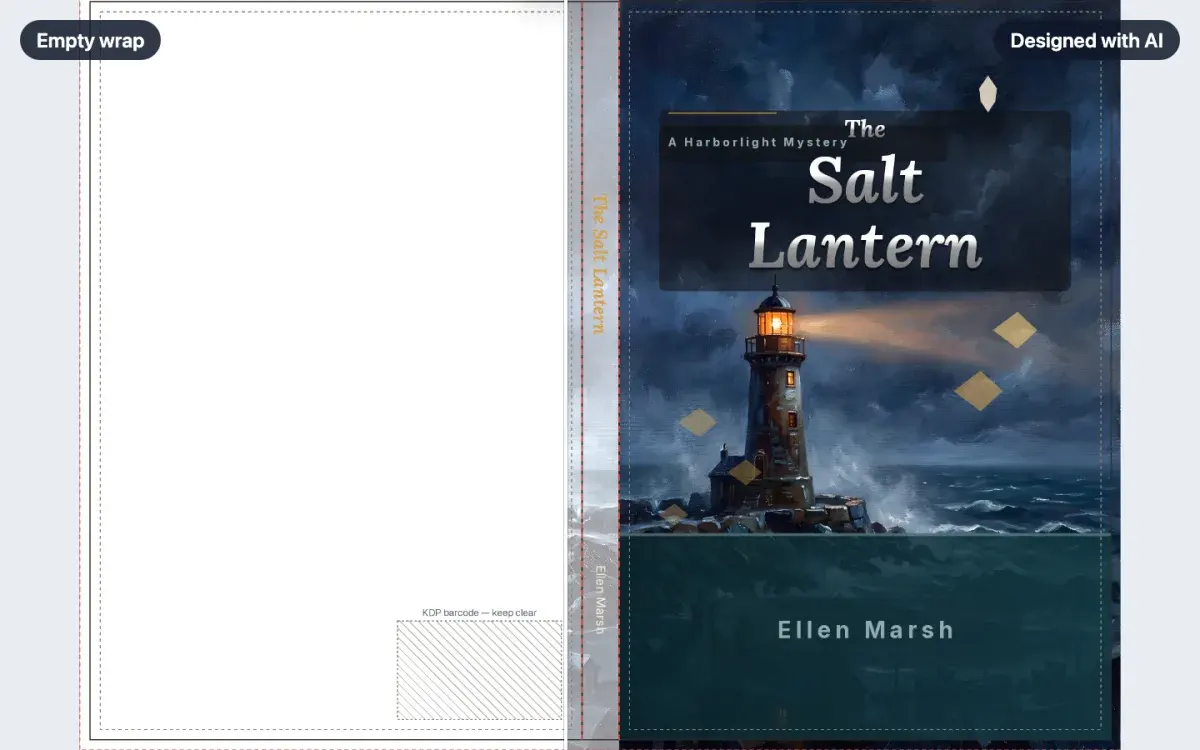
How to make a book cover with AI
Describe your book and get three complete cover designs, sized to your trim and page count. Pick one and it lands on your canvas, every piece still editable.
WalkthroughCreator plan6 min · Beginner
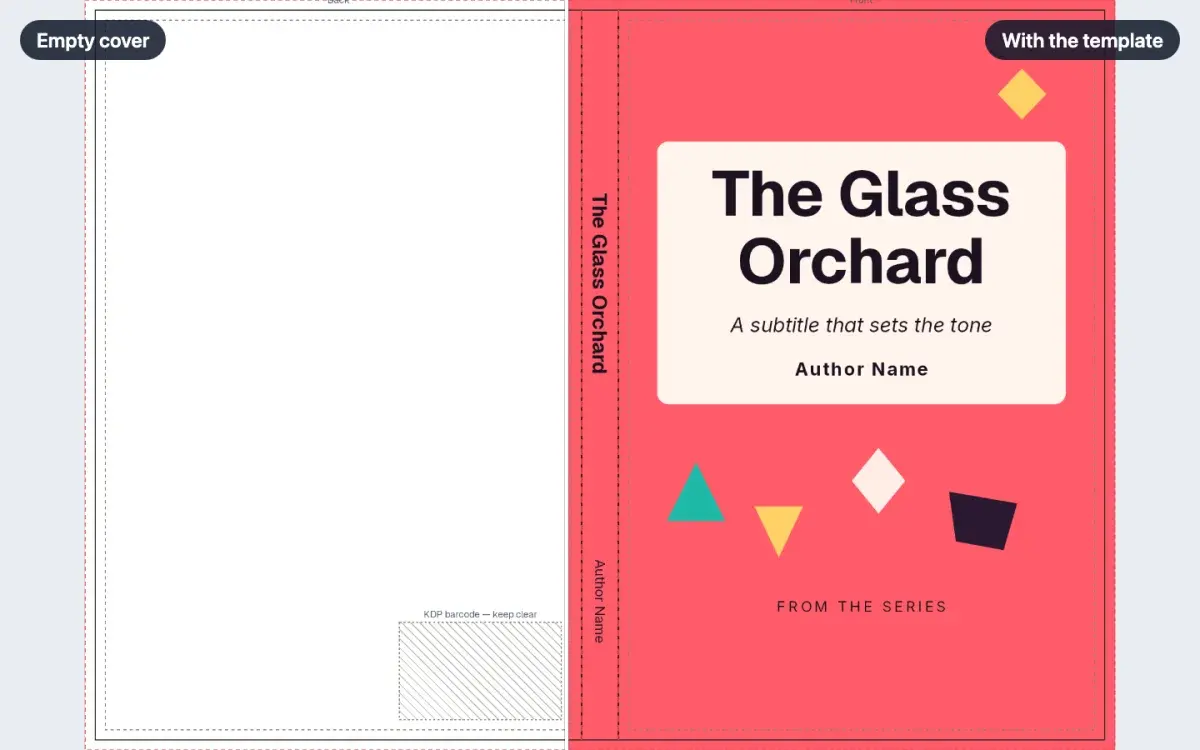
How to start from a cover template
Open Templates on a cover, pick a design, and apply it. The full wrap fills in at your book's trim and page count, and every line of text stays editable.
LessonFree6 min · Beginner
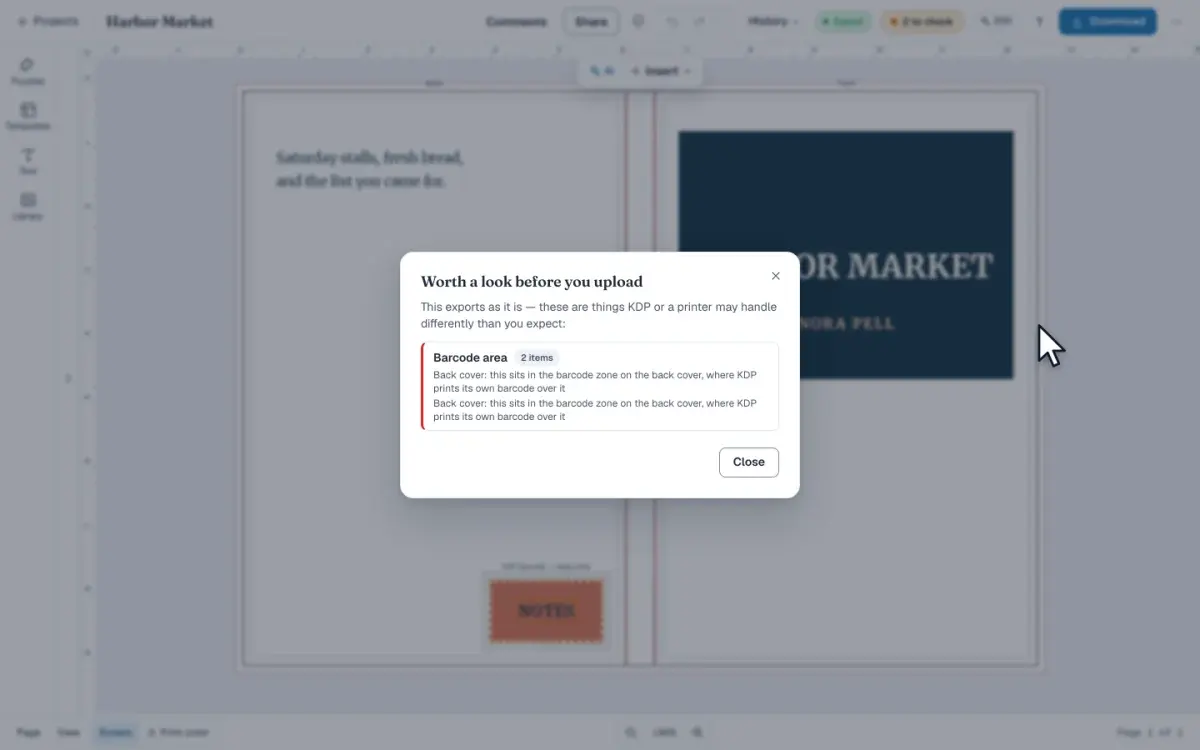
How to check a cover before you upload it
On a cover, open Cover checks in the top bar, then click Check my cover in Download. The report names barcode, spine and trim problems before you upload.
LessonCreator plan6 min · Beginner
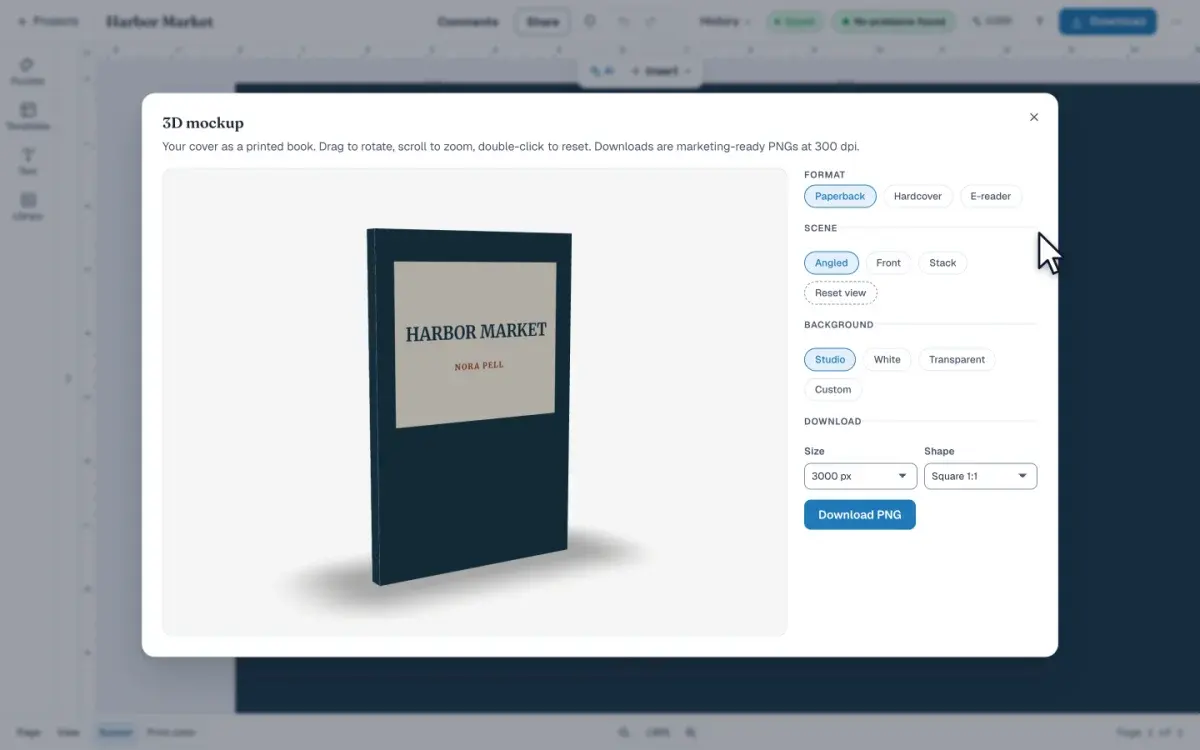
How to make a 3D mockup of your book
Open 3D mockup from Download to see your cover as a book you can turn. Pick a format and a scene, then save a PNG. The picture does not change the cover.
LessonFree5 min · Beginner
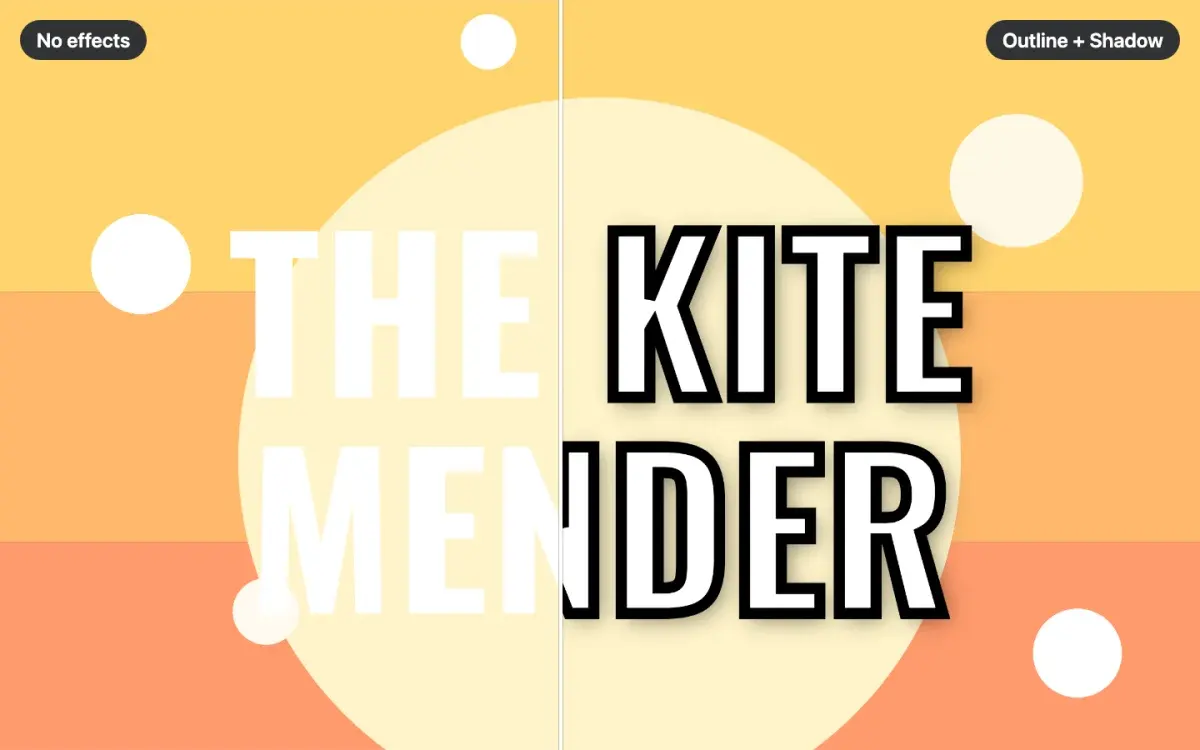
How to add text effects to a book cover
Add an outline, shadow, glow or 3D depth to your cover title, stack several at once, and keep the title readable at the thumbnail size shoppers see first.
LessonFree3 min · Beginner
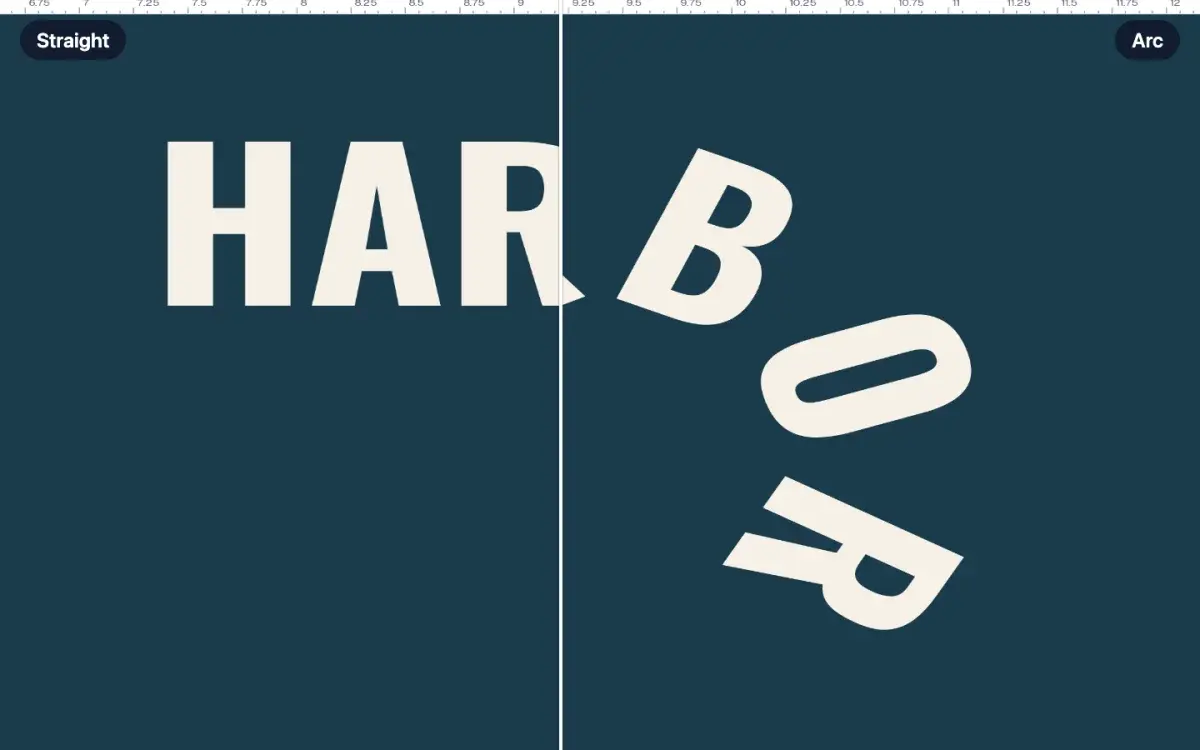
How to curve text on a book cover
Select a title and open Curve text in the toolbar. Choose Arc, then drag Bend to arch the words. Wave and Slant are beside it. One undo straightens the line.
Quick tipFree5 min · Beginner
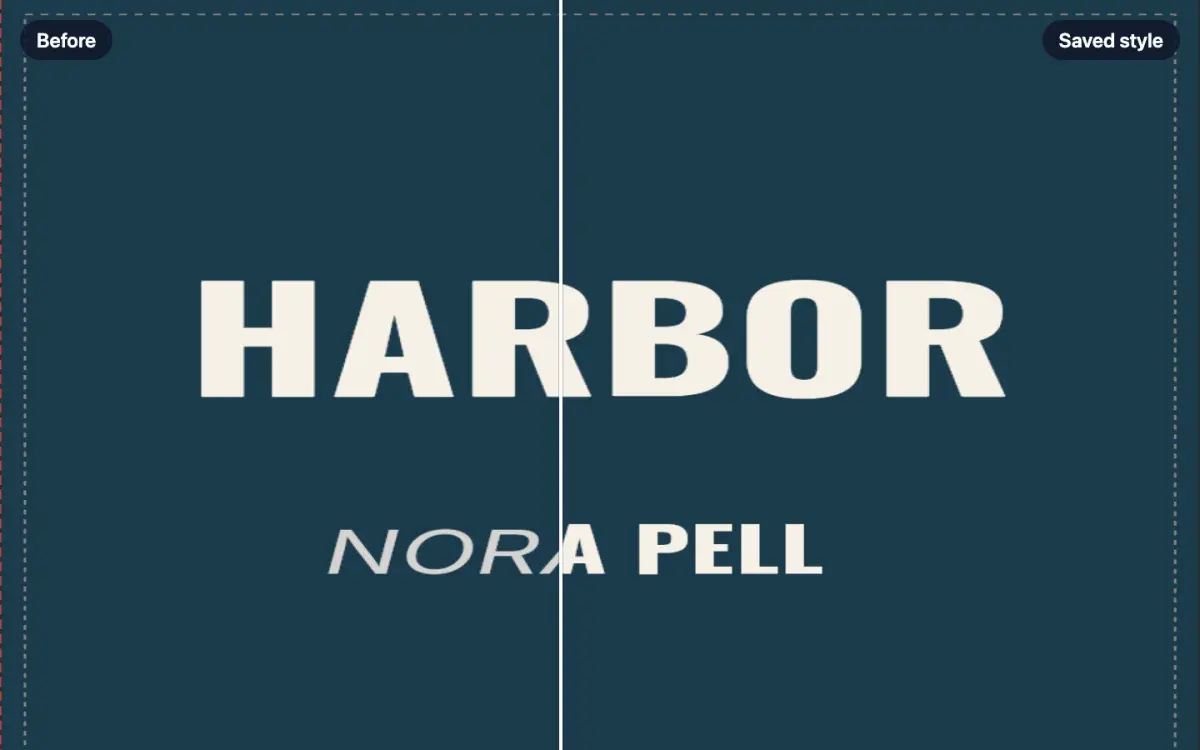
How to save and reuse your own text styles
Select a title and click Save style in the toolbar. Name it, open Text, and click that name under My styles. The look moves onto the words you selected.
LessonFree6 min · Intermediate
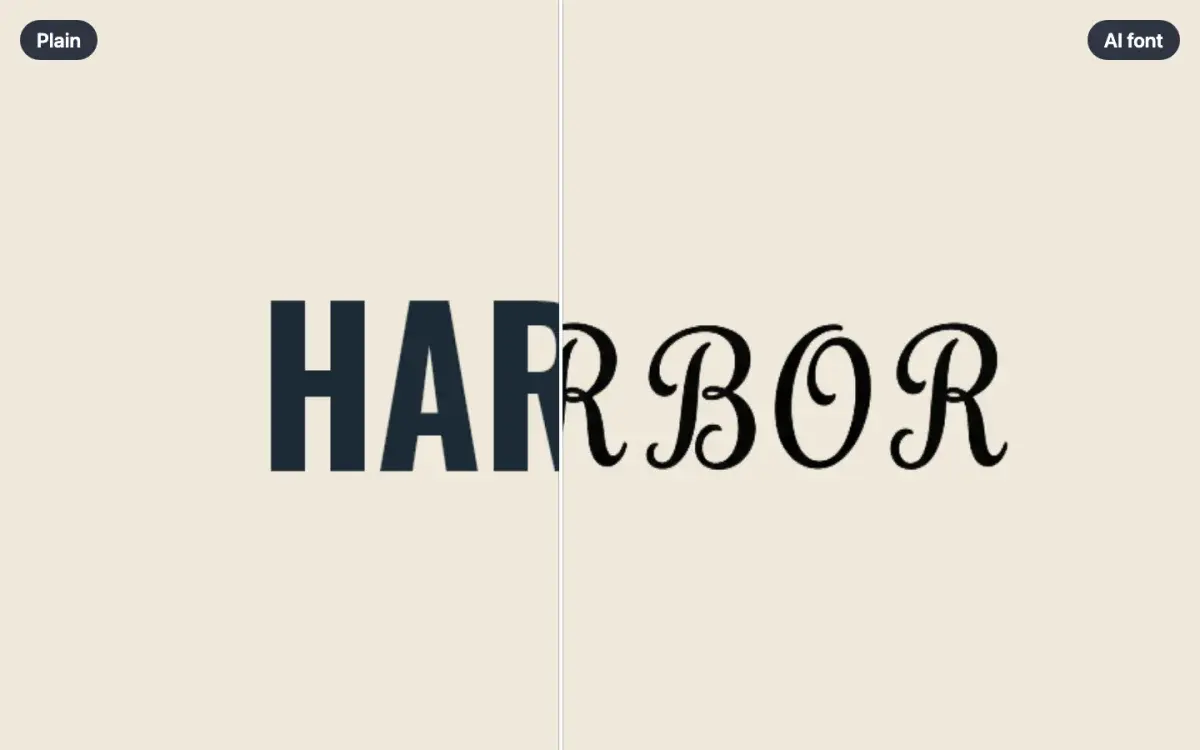
How to make your own AI font
Open AI font in the Text panel, describe the lettering, and click Make the alphabet. Pick one set of capitals, then save the font. The words stay editable.
LessonCreator plan6 min · Beginner
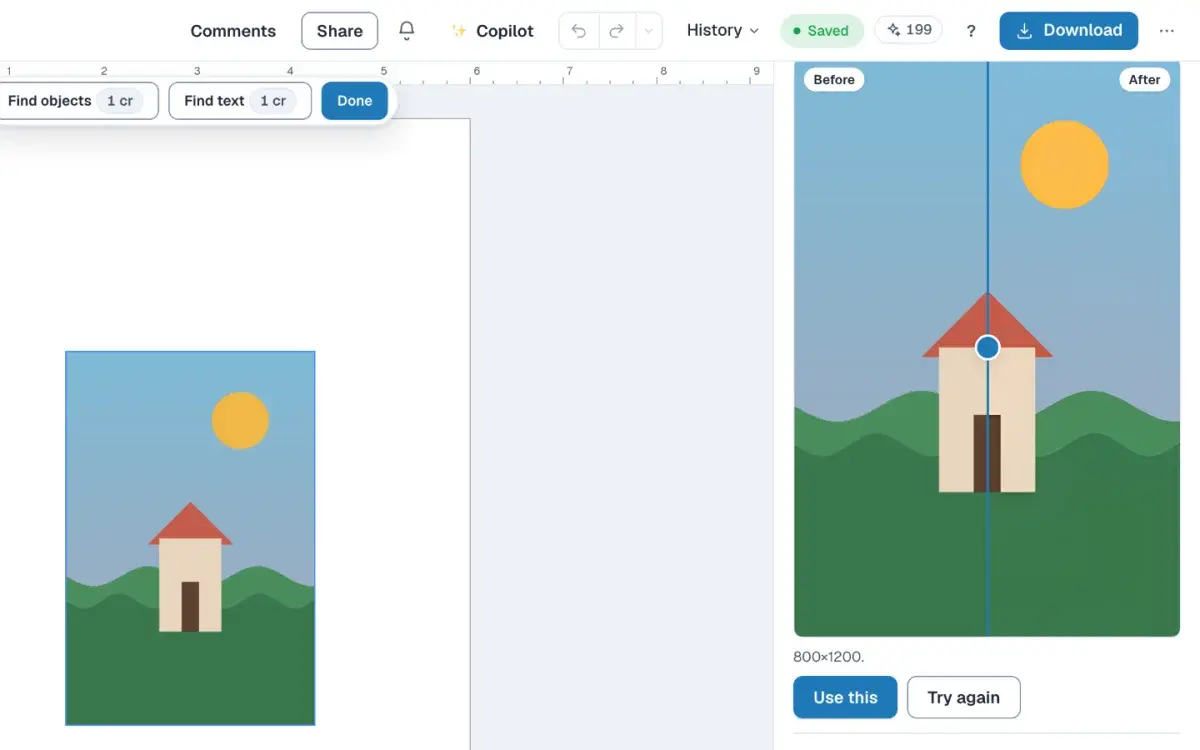
How to fix a low-resolution image for print
Select a picture in the editor, read its DPI, and add pixels with Upscale when it must stay that size. Writing 300 DPI into the file does not add pixels.
LessonCreator plan