Learn · Topic
Page setup and layout
Trim size, bleed, margins, themes and page furniture — the choices that decide whether a book prints correctly.
- 3tutorials
- 0being written
6 min · Beginner
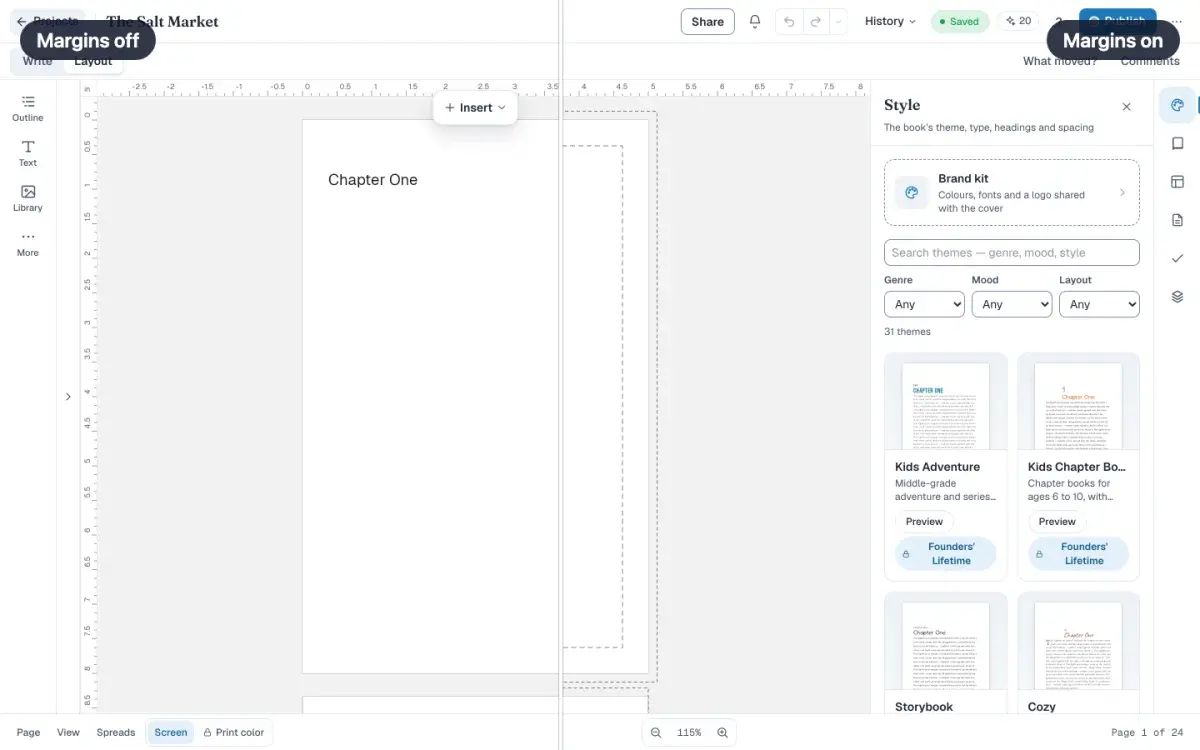
How to set trim size, bleed and margins
Open New project, set the trim size and bleed, then create the book. Turn on Margins to see the box KDP requires. You cannot type extra inches in this dialog.
LessonFree6 min · Intermediate
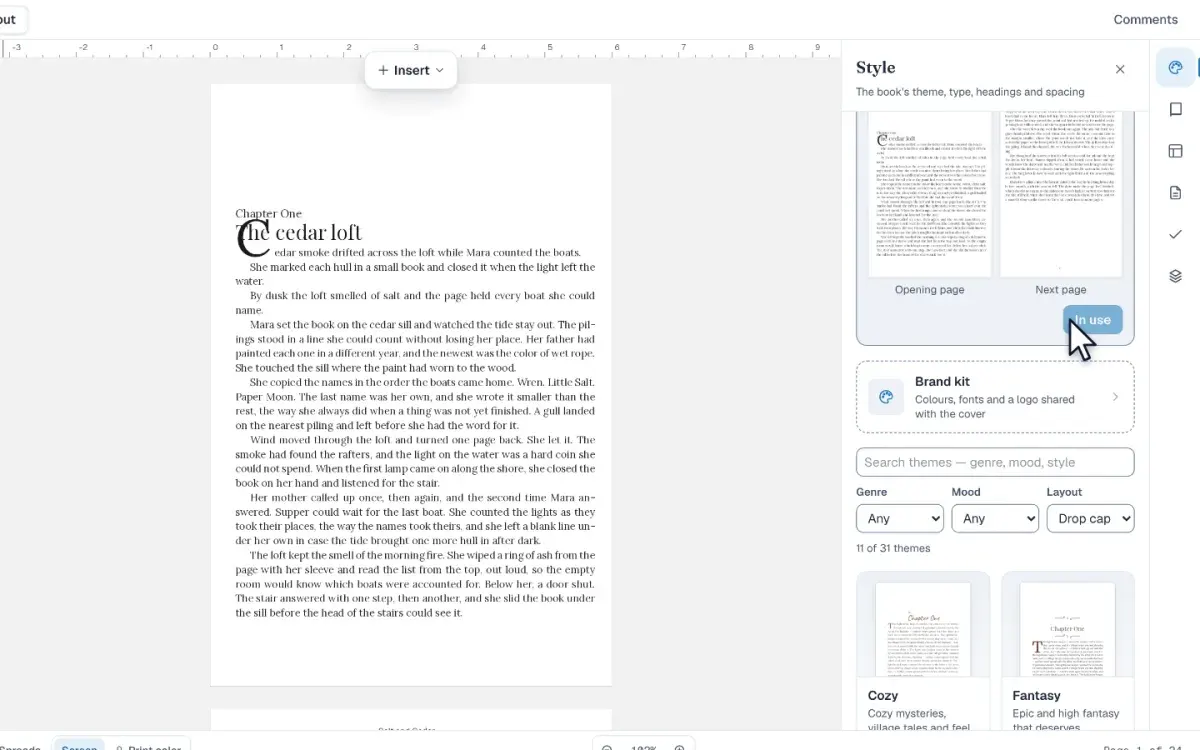
How to set up a book theme and brand kit
Open Style beside Layout, preview a theme on your own chapter, then apply its fonts and chapter opener to every page, and store shared colors in Brand kit.
LessonFree6 min · Intermediate
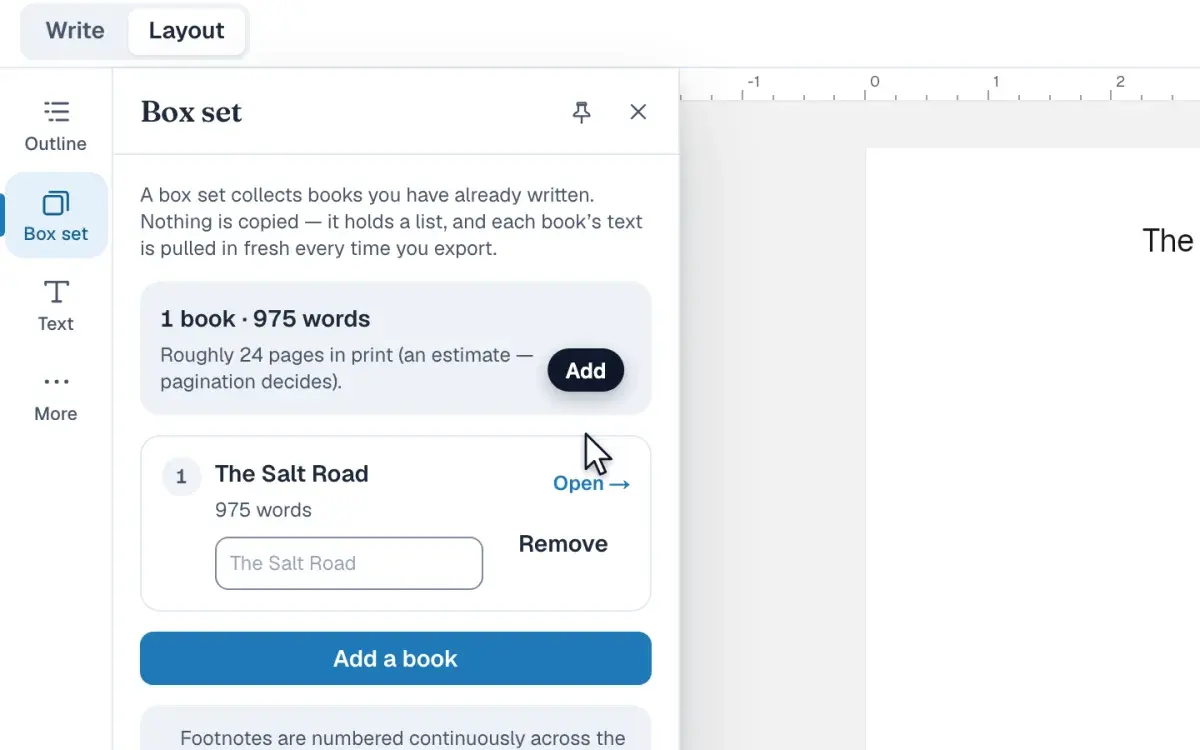
How to build a box set from finished books
Collect finished books into one volume from the Box set panel: add them, drag them into order, read the laid-out page count, and export one print file.
LessonFree