Learn · Topic
Images
Place, adjust and generate artwork, and get the print resolution right before it costs you a proof copy.
- 5tutorials
- 0being written
6 min · Beginner
How to fix a low-resolution image for print
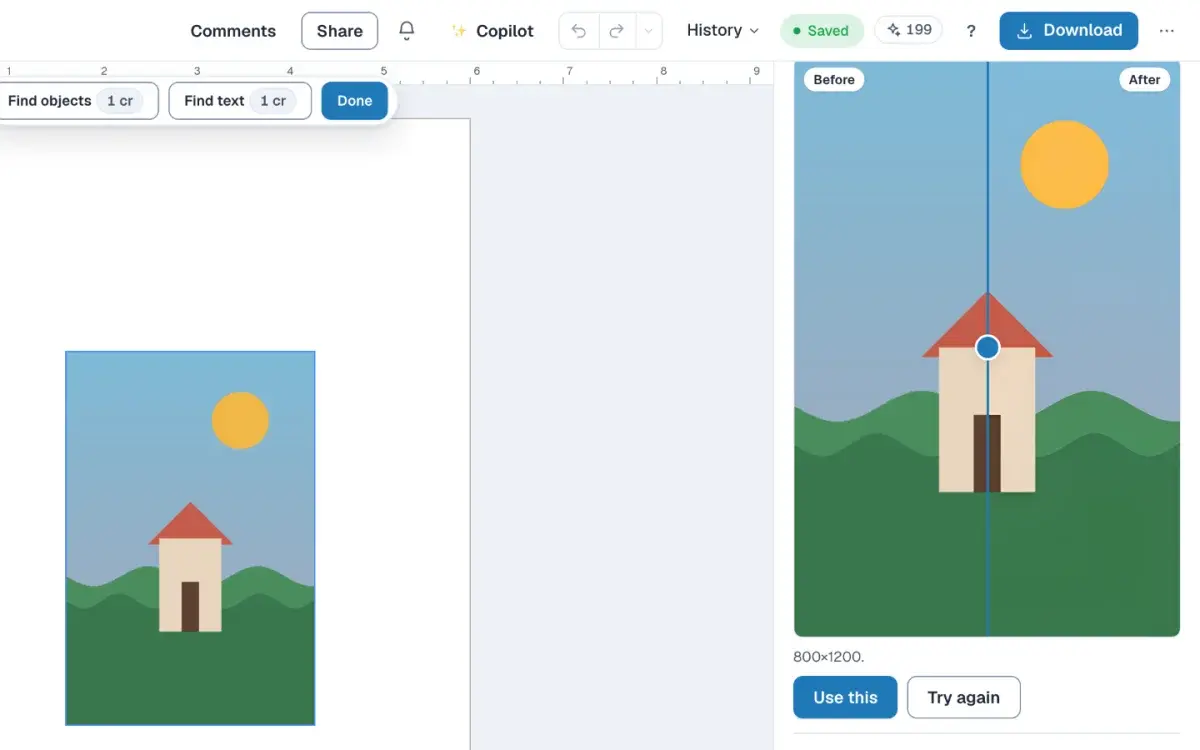
Select a picture in the editor, read its DPI, and add pixels with Upscale when it must stay that size. Writing 300 DPI into the file does not add pixels.
LessonCreator plan6 min · Beginner
How to generate a coloring page or theme pack
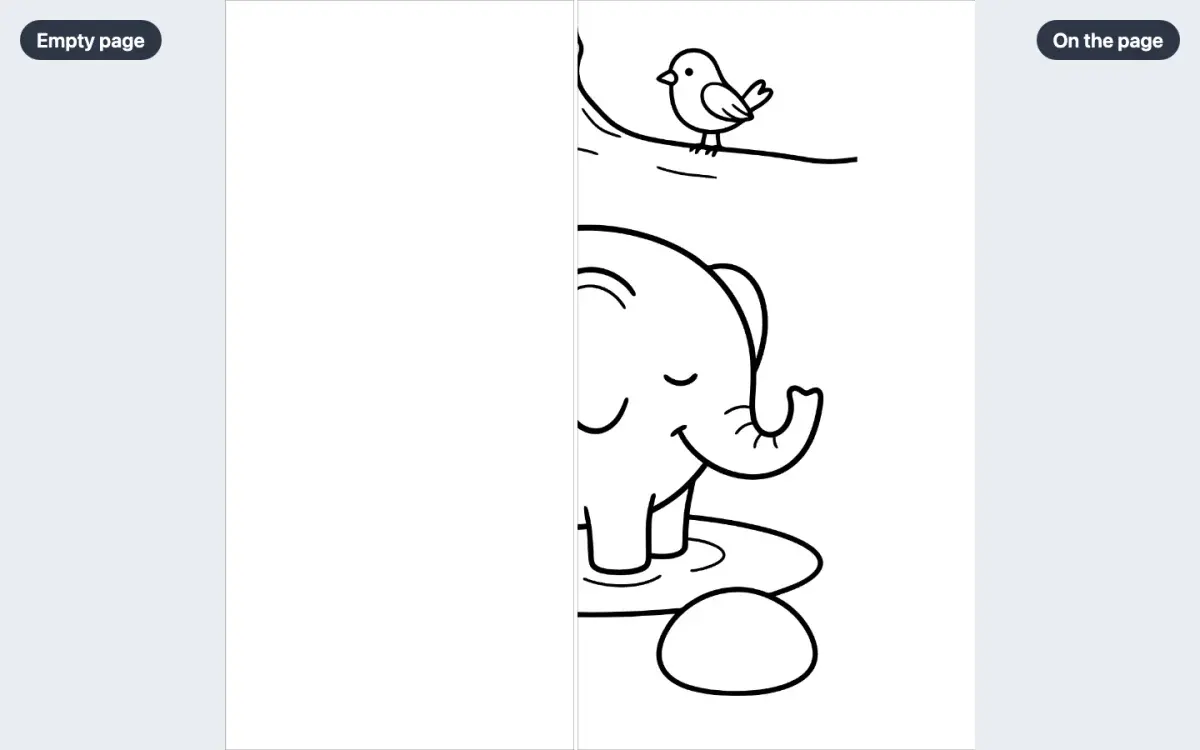
Describe a scene in Generate, under Elements, and place a coloring page on the page in front of you. A theme pack makes one page for each subject you list.
LessonCreator plan6 min · Beginner
How to turn a sketch into clean line art
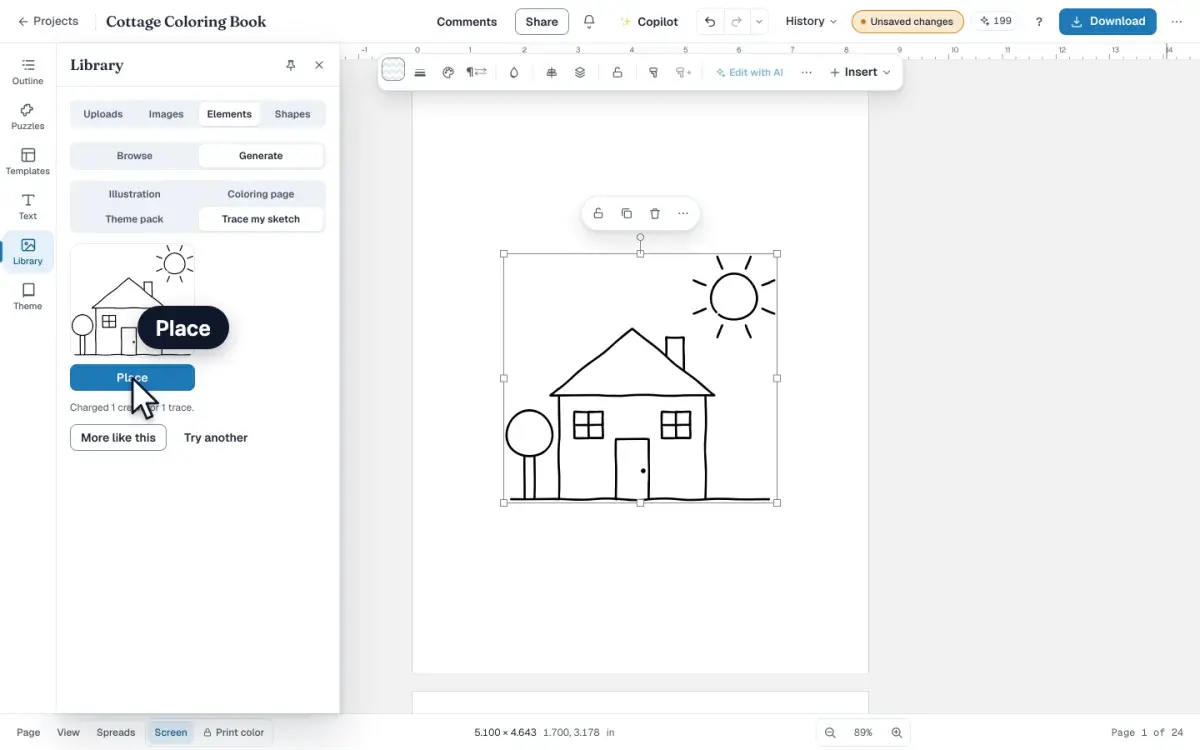
Upload a pen sketch, trace it into clean line art in the editor, then find the gaps a crayon would leak through and close them before you print.
LessonCreator plan5 min · Beginner
How to make a color by number page from a picture
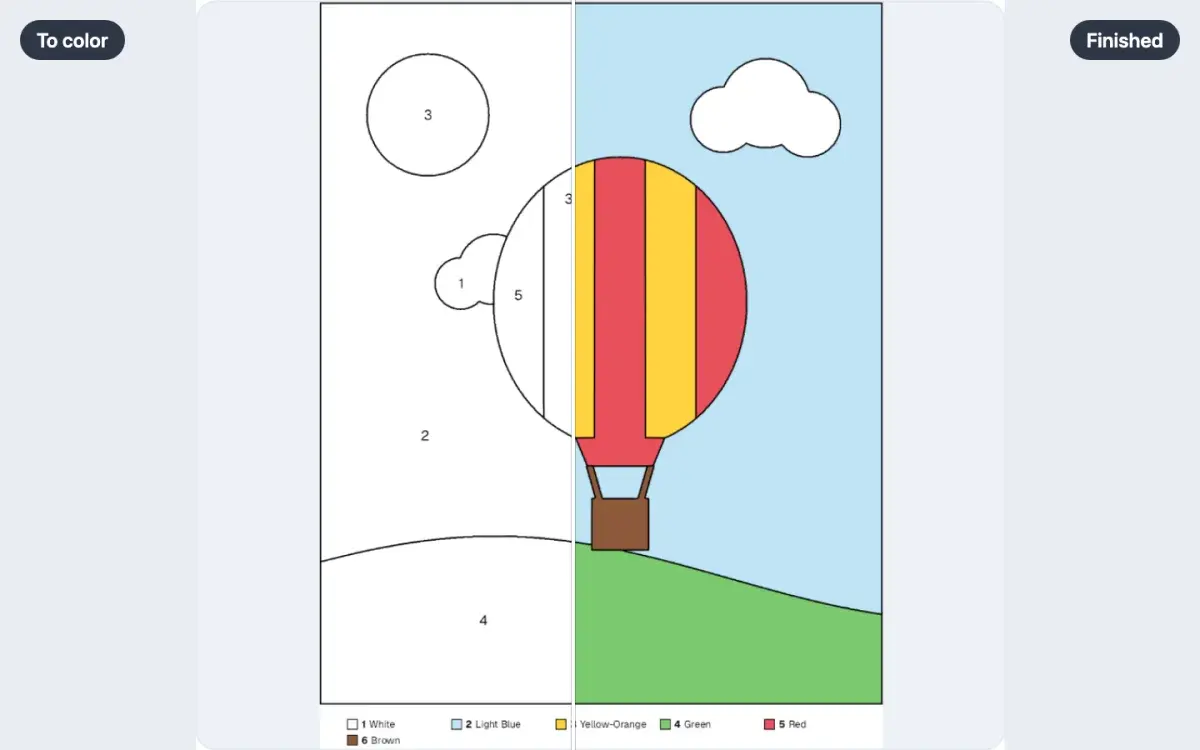
Turn your own picture into a color by number page: a line drawing with a number in every area, a legend of colors, and a check that none are missed.
LessonCreator plan6 min · Beginner
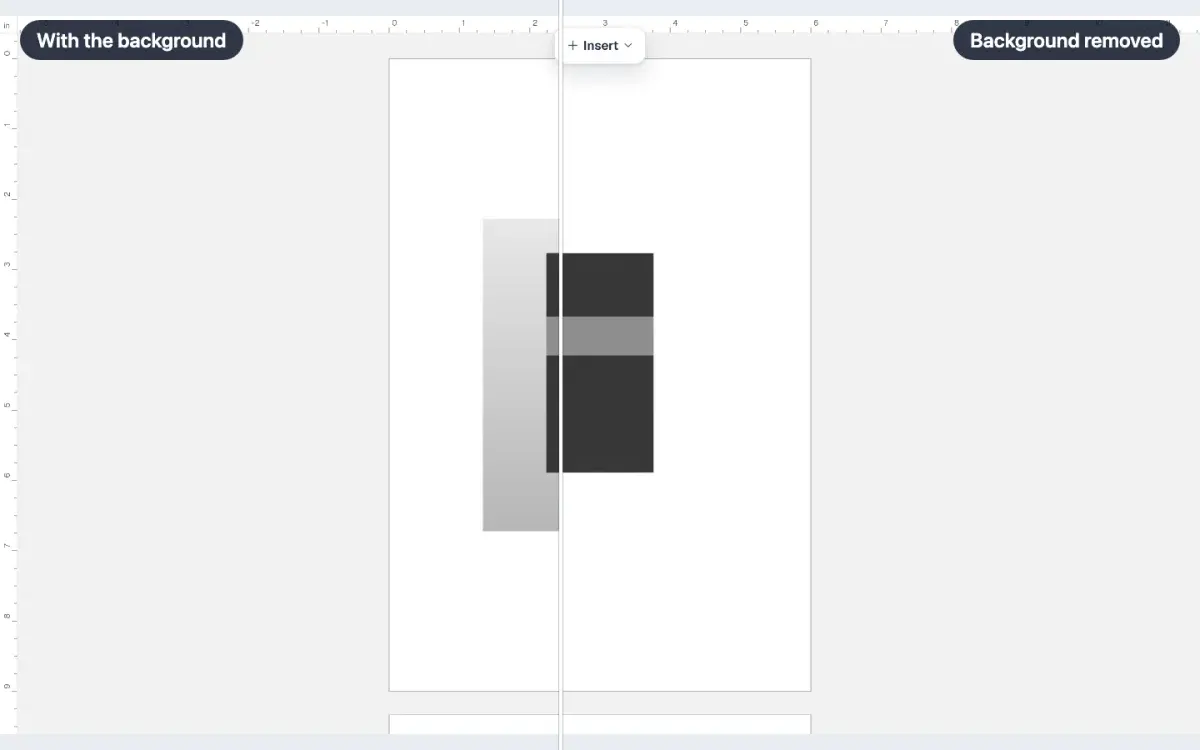
How to remove an image background
Select a picture in the editor, open Cut out, and take its background off. The free browser tool is not available yet, so this spends credits from your plan.
LessonCreator plan