Text and typeQuick tip
How to curve text on a book cover
Select a title and open Curve text in the toolbar. Choose Arc, then drag Bend to arch the words. Wave and Slant are beside it. One undo straightens the line.
In short
Select the text and click Curve text in the toolbar along the top of the canvas. Choose Arc and drag Bend to arch the words.
A title set in a straight line can sit on a cover and still look unfinished, because a cover title often wants to follow a shape. Curve text bends that line into an arc, a wave, or a slant while the words stay the words you typed. You can judge the shape on the cover before you export, and take it off again if it is wrong.
Curve the title#
Open Curve text
Click the title. The toolbar appears along the top of the canvas. Click Curve text. A small panel opens with None, Arc, Wave, and Slant. None is the straight line you already have.
Choose Arc
Click Arc. The words bend at once, and a Bend slider appears. The number beside it starts at 0.4. The panel says curved text is single-line, so wrapping turns off, and that underline and strikethrough do not print on a curve.
Wave bends the line up and down. Its sliders are Amplitude, which starts at 6pt, and Waves, which starts at 1.5. Slant leans the line. Its slider is Angle, which starts at 12°.
Set the bend
Drag Bend. A higher number arches the words more. A number below zero arches them the other way. You can also drag the handle under the text. The panel says that handle adjusts an arc, and it moves the same Bend number.
Straight text and an arc#
Drag the divider to compare. The words are the same. Only the line they follow changes.
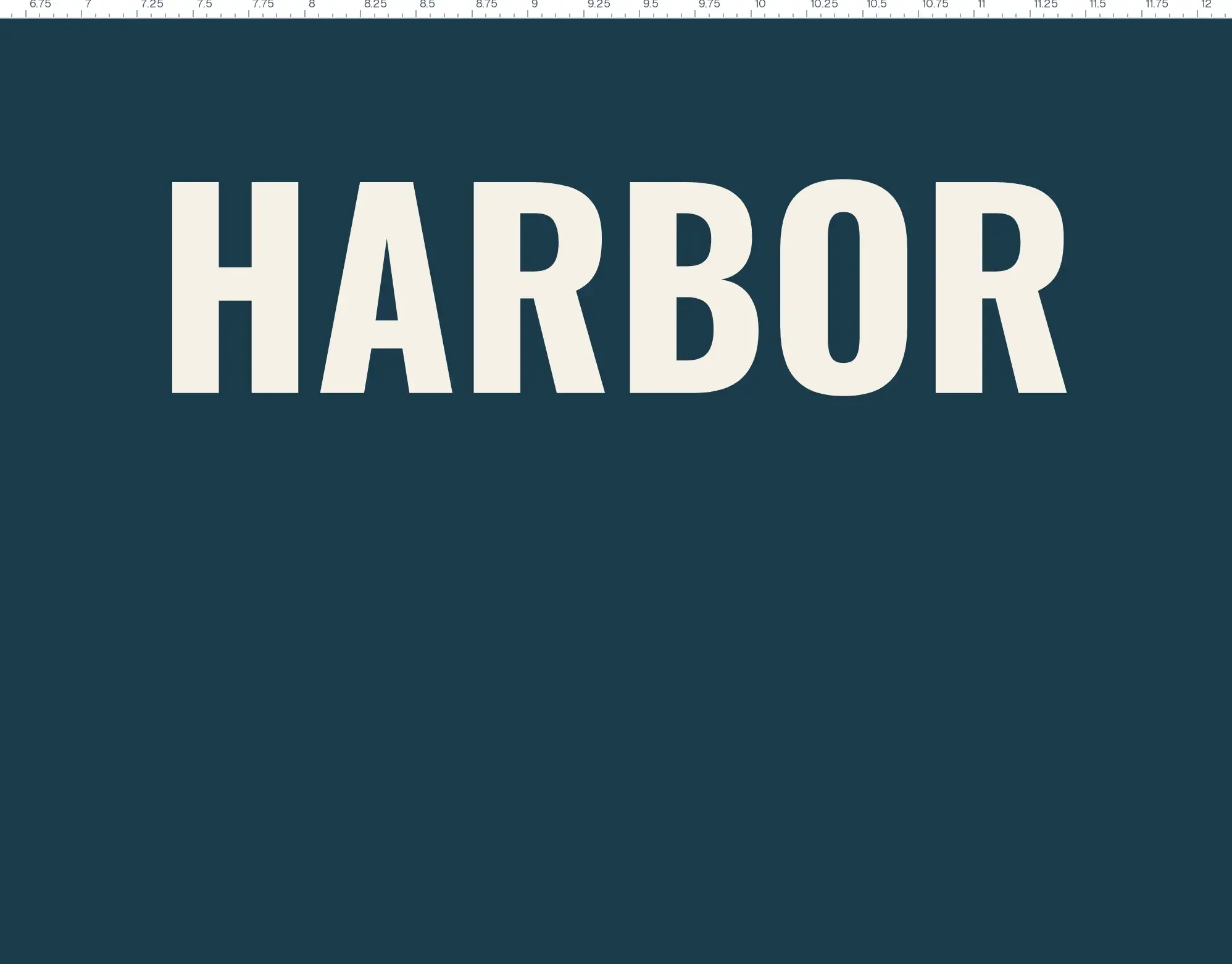
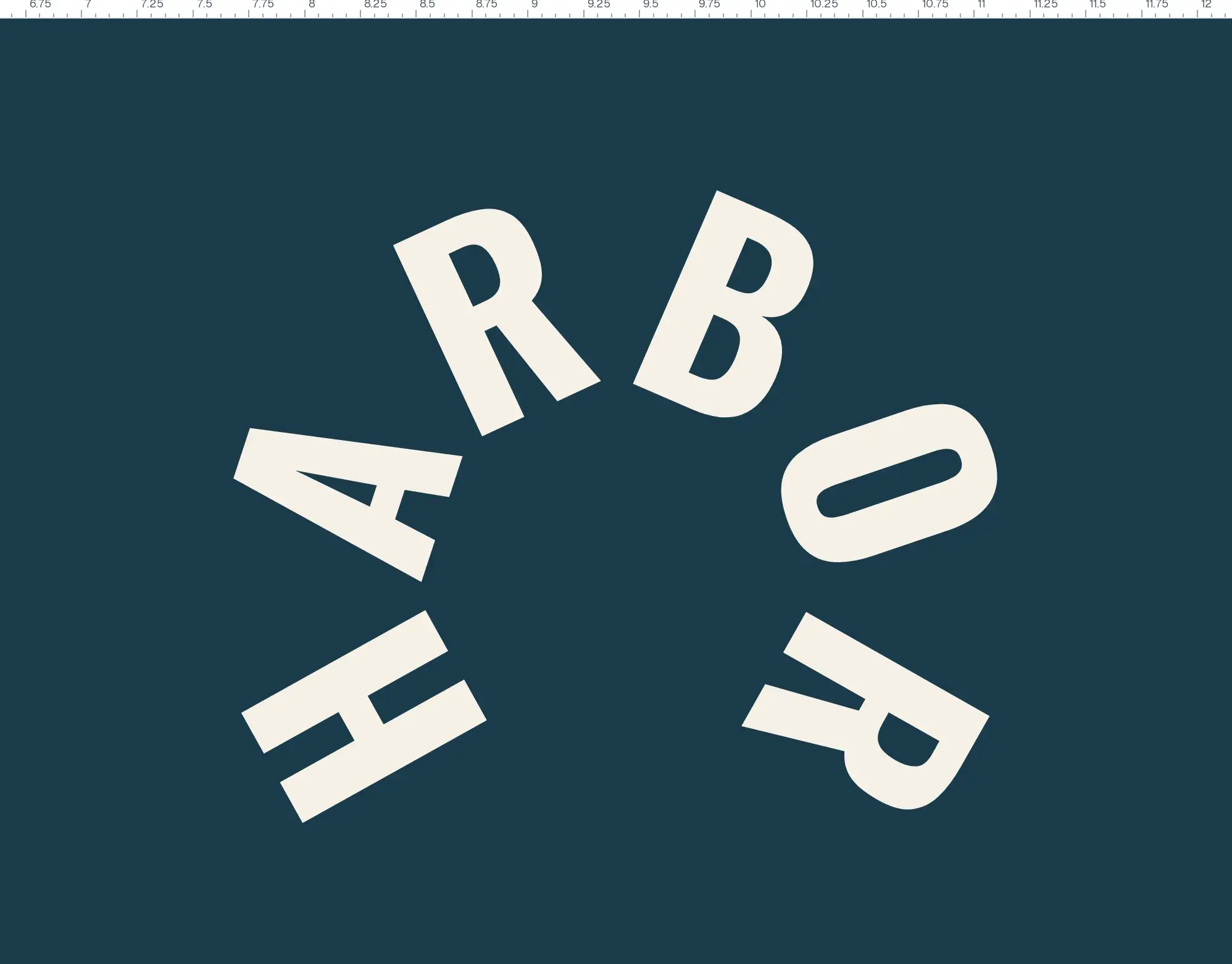
Straighten the text#
Click None. The bend comes off, wrapping can be set again, and underline and strikethrough can print. Close is not required: click away from the panel, or press Escape, and the curve you chose stays until you remove it.
For a shadow or an outline on the same title, read How to add text effects to a book cover.
Common questions
Does a curve change the letters themselves?
No. It bends the line they sit on. The words stay editable. None puts them straight, and one undo does the same.
Can curved text wrap onto two lines?
No. Curved text is single-line. Choosing a curve turns wrapping off. Put the curve back to None if you need the words to wrap again.
Do underline and strikethrough print on a curve?
No. They do not print while a curve is on. Take the curve off with None if you need either of those.
Can I curve an AI font?
No. On an AI font the button is switched off, and its name reads Curve text — not available on AI fonts. A normal font curves.
Does Wave use the Bend slider?
No. Wave shows Amplitude and Waves. Slant shows Angle. Bend belongs to Arc.
Try it on your own book
Open a book in SmartKDP and follow the steps above. It takes about 3 minutes.