Learn · Topic
Exporting and publishing
Preview a book the way a reader will see it, check it against the print requirements, and export the files you upload.
- 4tutorials
- 0being written
5 min · Beginner
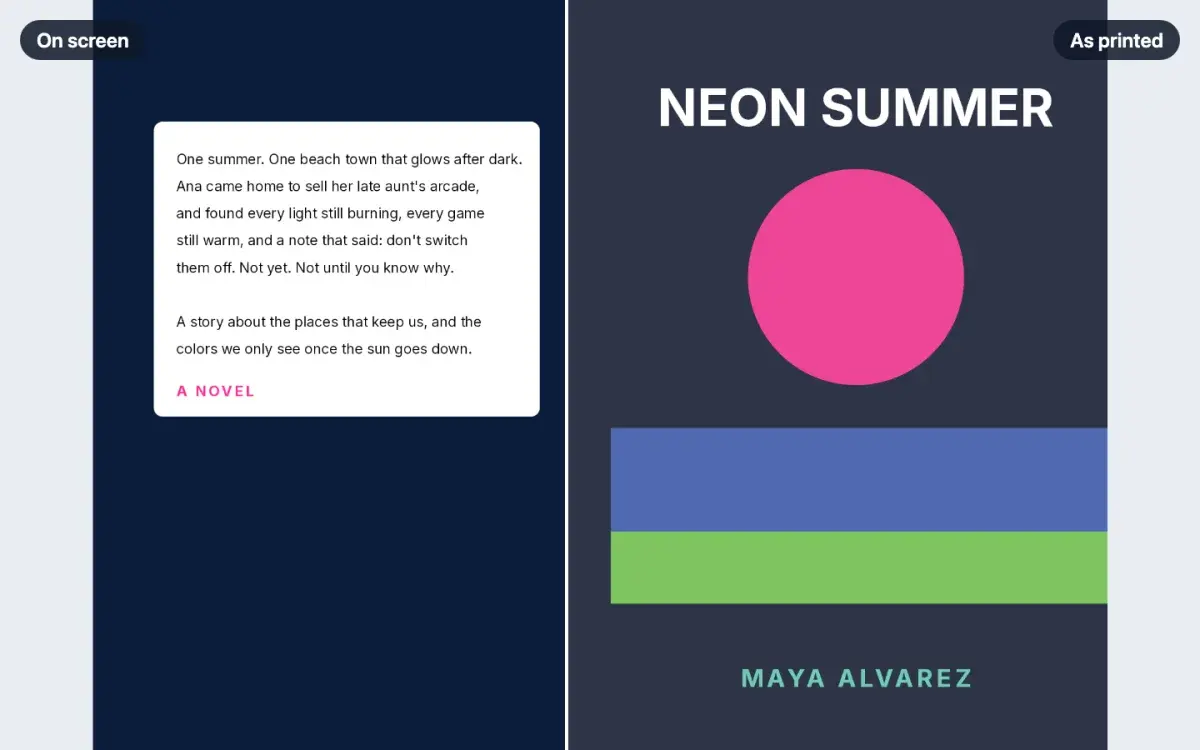
How to check your book's print colors before publishing
See your cover and color pages the way a press will print them: which colors go dull, where the ink is heaviest, and one-click fixes before you upload.
LessonPublisher plan5 min · Beginner
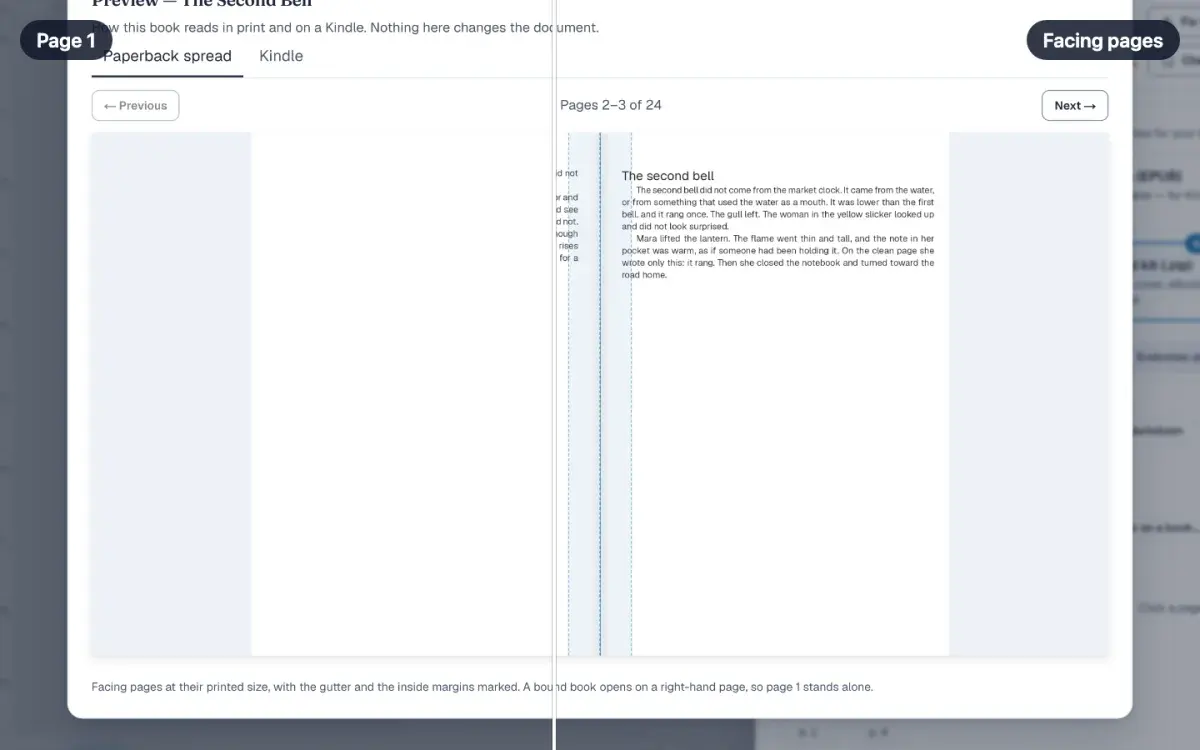
How to preview a book before you publish it
See facing pages at their printed size from Publish, then check the same book on the Kindle tab before you order a proof copy of the paperback interior.
LessonFree5 min · Beginner
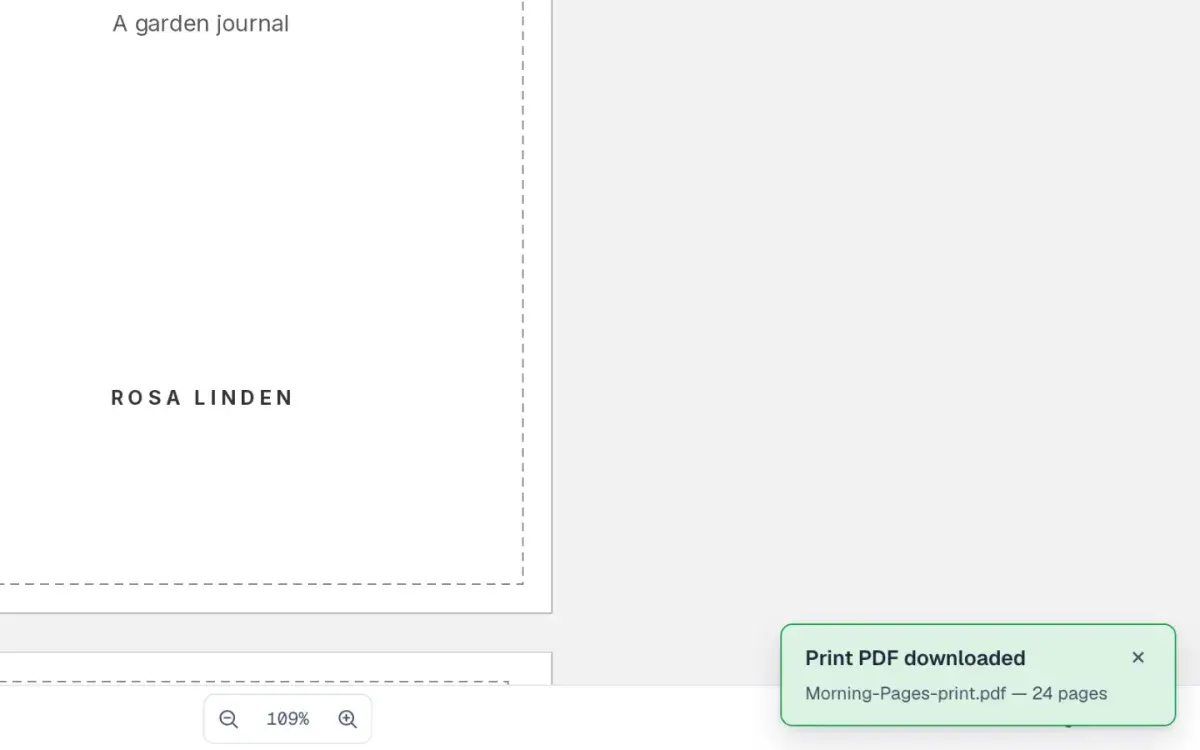
How to export a print-ready PDF
Export your paperback's interior as a print PDF from the editor, fix anything KDP would reject, then check every page of the file in the free PDF checker.
LessonCreator plan6 min · Intermediate
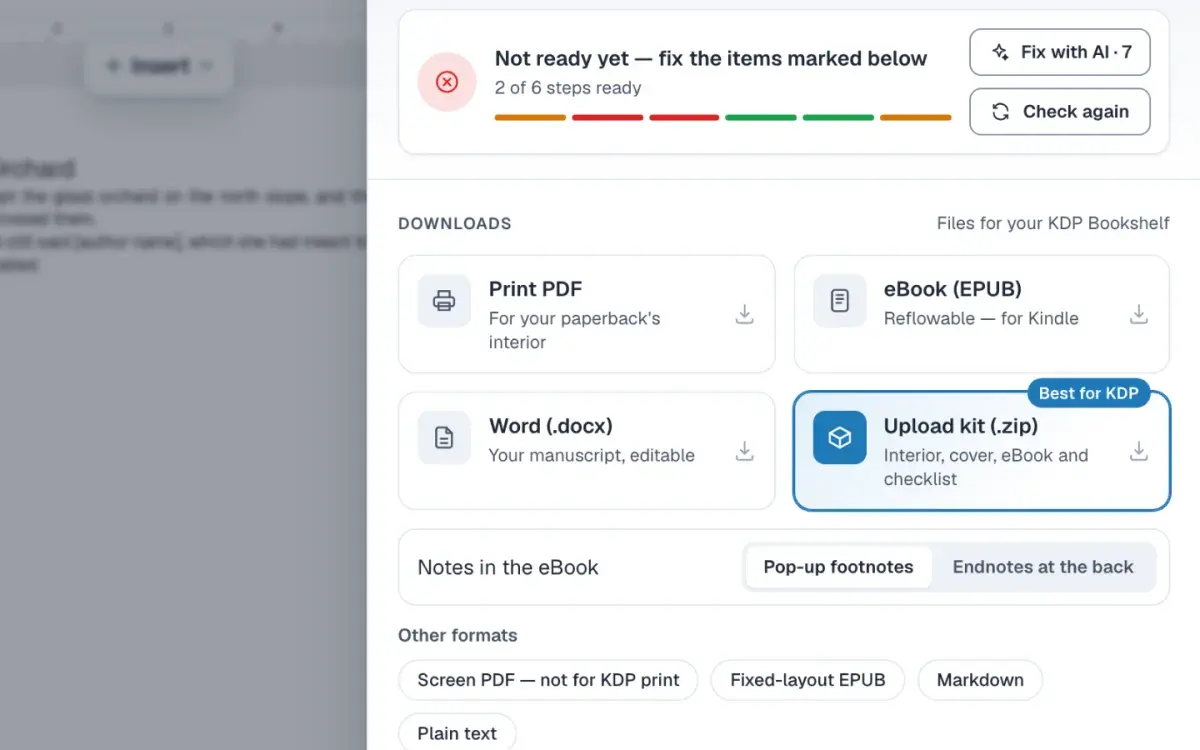
How to read the readiness report and fix what it flags
Open Publish in the editor on a manuscript, read the six steps under Before you upload, and fix each item it flags before you upload the files to KDP.
LessonCreator plan