Learn · Topic
Covers
Design a print-ready cover — with AI, from a template, or from scratch — and check it before you upload.
- 4tutorials
- 0being written
10 min · Beginner
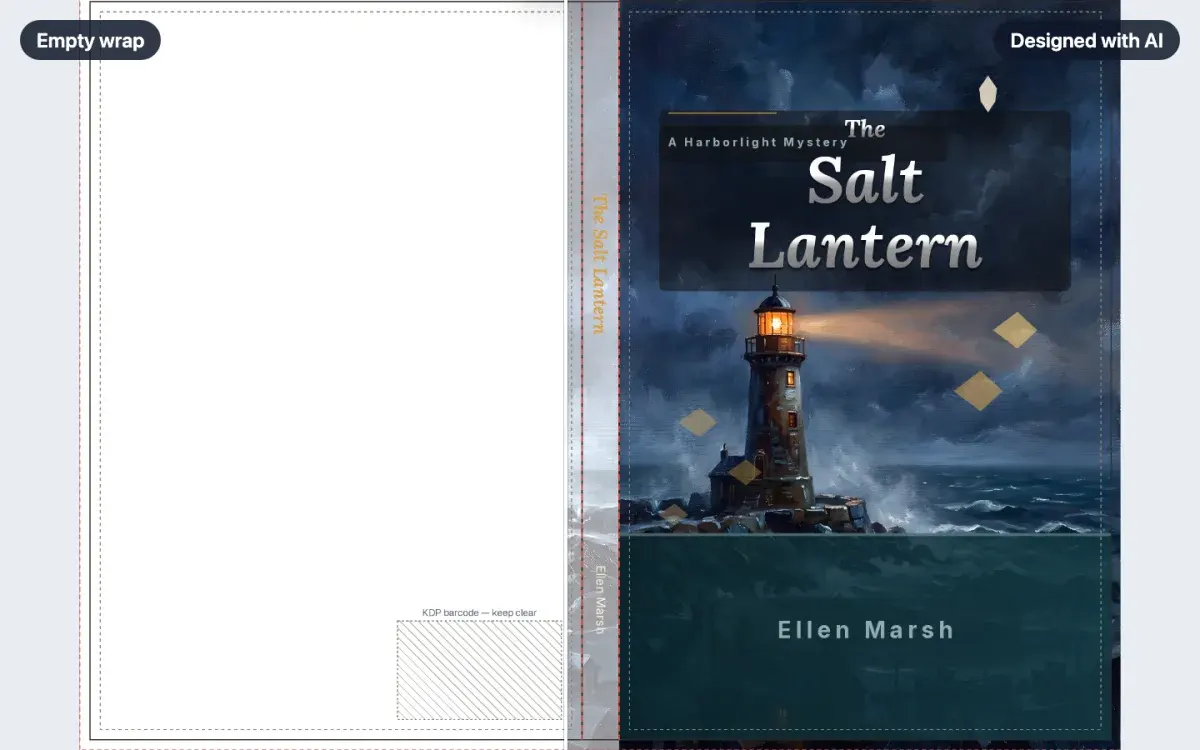
How to make a book cover with AI
Describe your book and get three complete cover designs, sized to your trim and page count. Pick one and it lands on your canvas, every piece still editable.
WalkthroughCreator plan6 min · Beginner
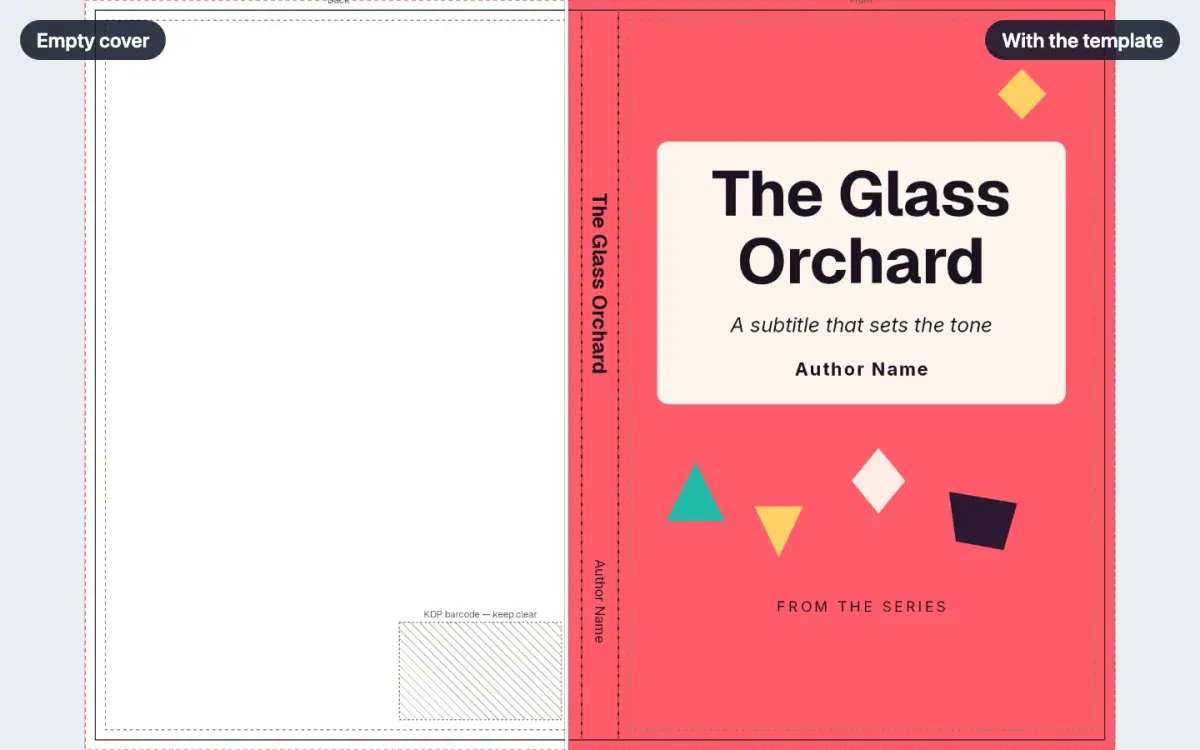
How to start from a cover template
Open Templates on a cover, pick a design, and apply it. The full wrap fills in at your book's trim and page count, and every line of text stays editable.
LessonFree6 min · Beginner
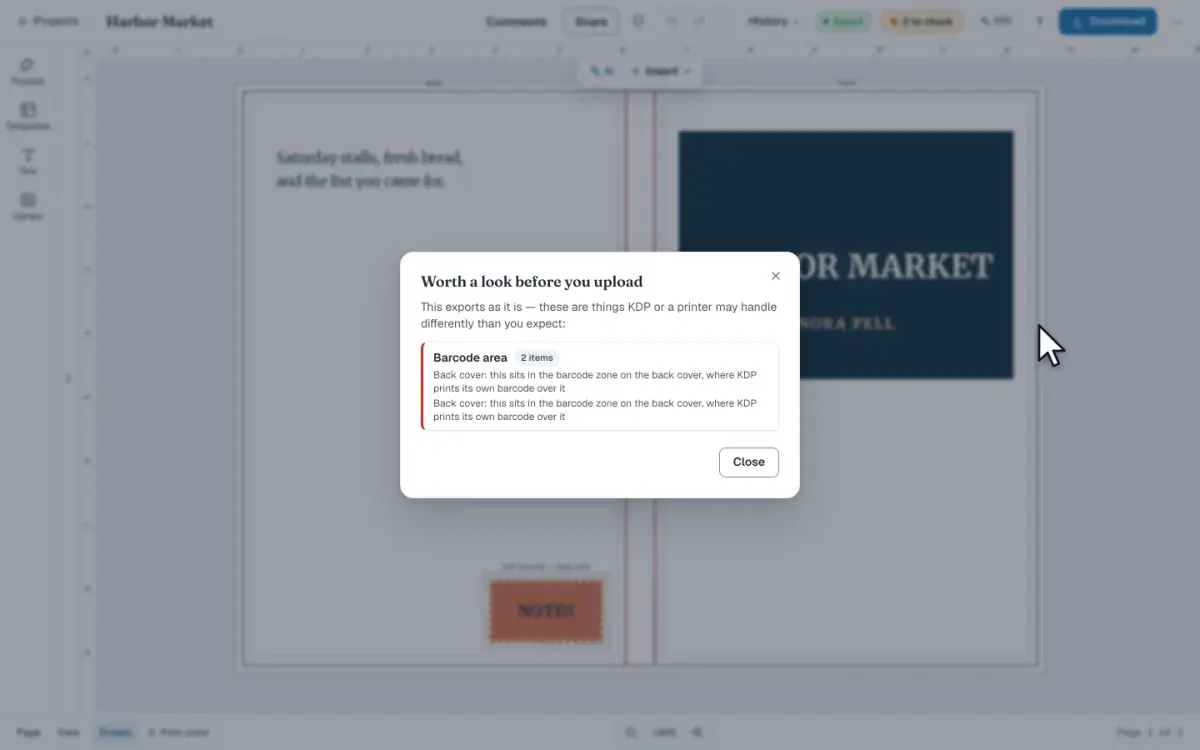
How to check a cover before you upload it
On a cover, open Cover checks in the top bar, then click Check my cover in Download. The report names barcode, spine and trim problems before you upload.
LessonCreator plan6 min · Beginner
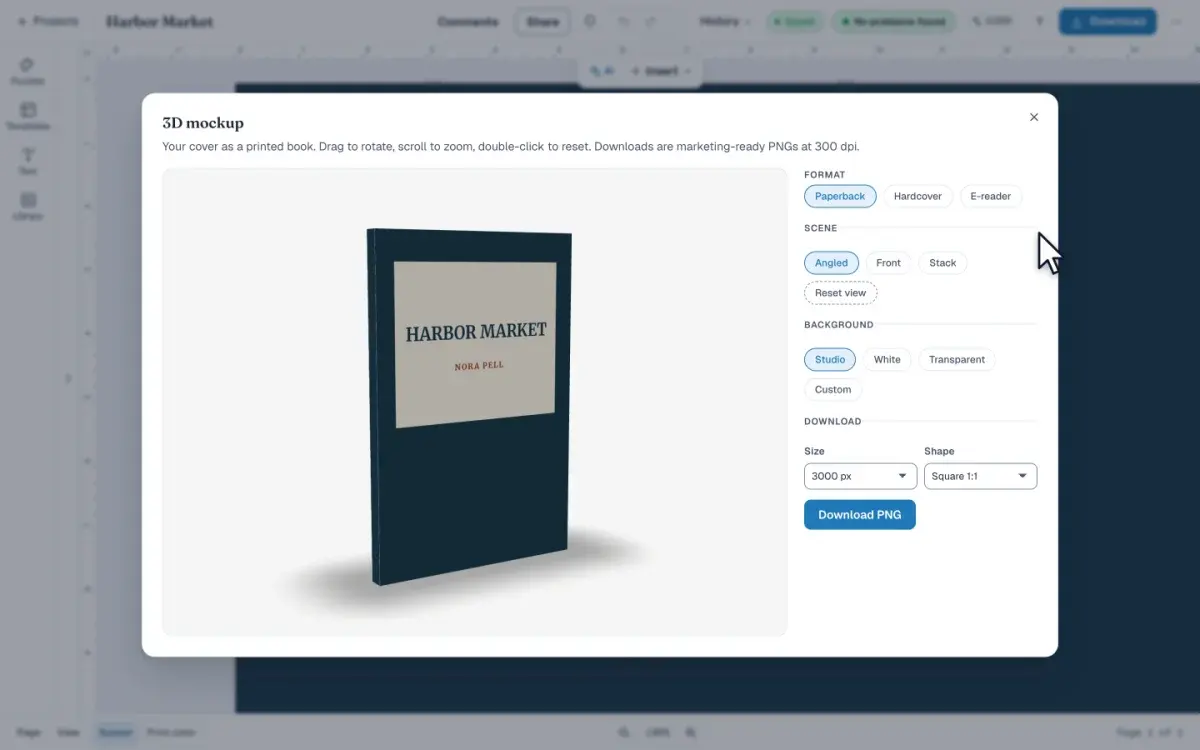
How to make a 3D mockup of your book
Open 3D mockup from Download to see your cover as a book you can turn. Pick a format and a scene, then save a PNG. The picture does not change the cover.
LessonFree