Learn · Topic
Writing and manuscripts
Write in the editor, import a manuscript, and handle the parts long books need — footnotes, an index, figures, revisions.
- 7tutorials
- 0being written
6 min · Beginner
How to add footnotes to a book
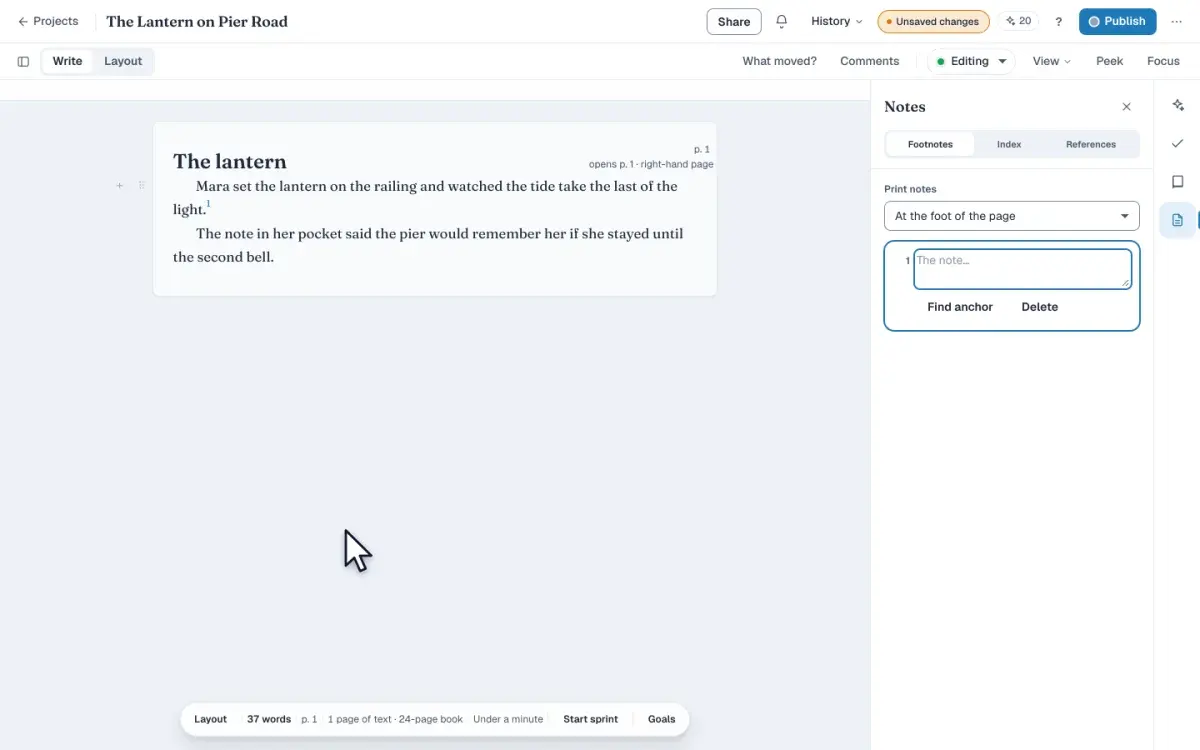
Add a footnote in Write, type the note in the Footnotes panel, and move every note into one section at the back of the book before you export the file.
LessonFree10 min · Beginner
How to write your manuscript in the editor
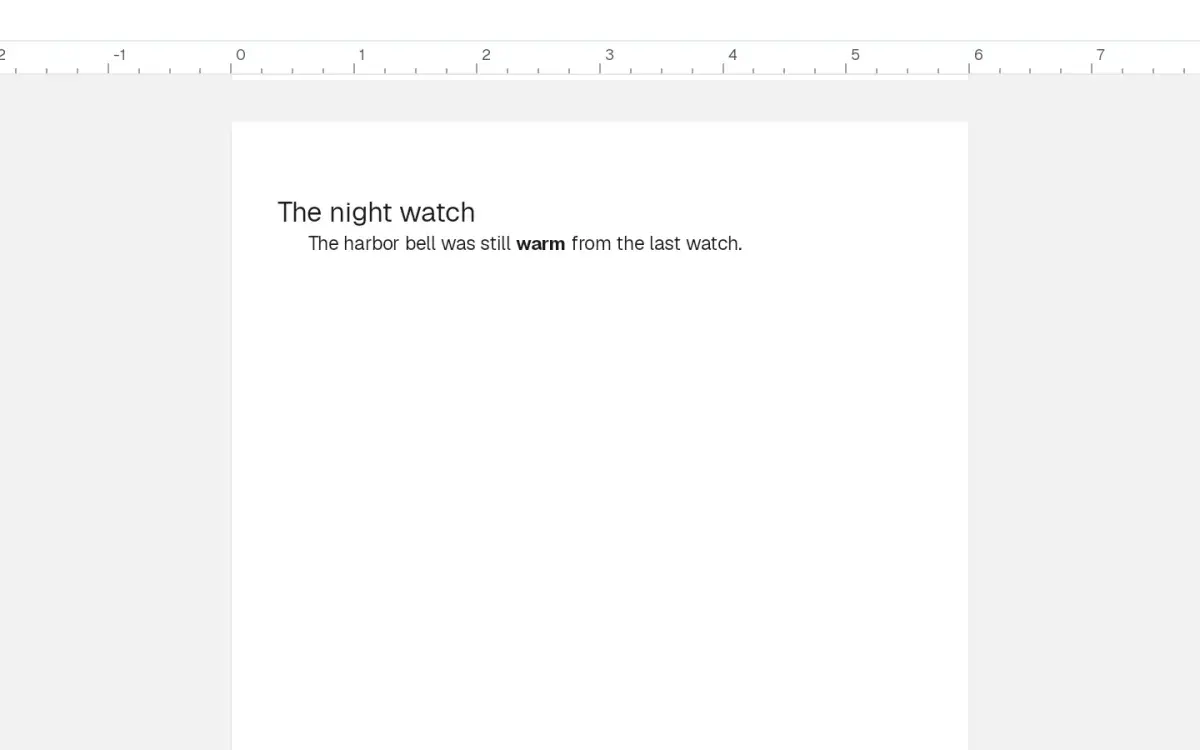
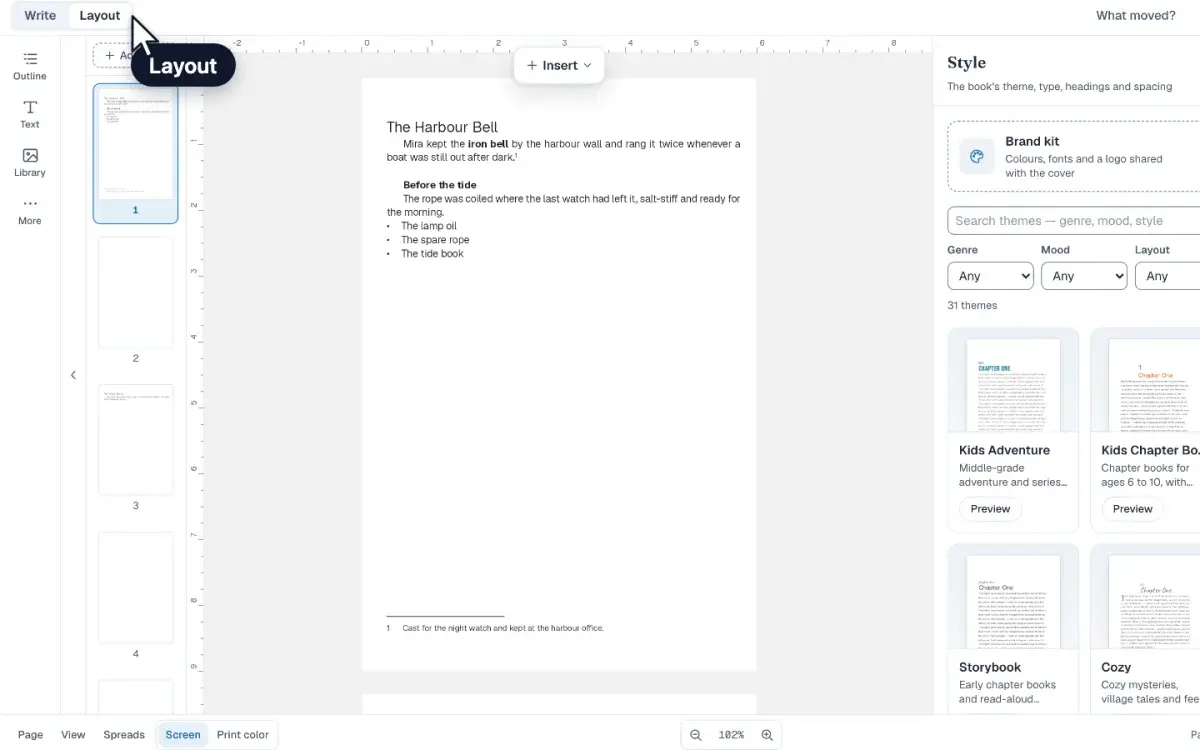
Open Write, type and bold a paragraph, turn a line into a chapter title, insert a scene break, and see that chapter laid out on the book page before you export.
WalkthroughFree6 min · Intermediate
How to build an index for a book
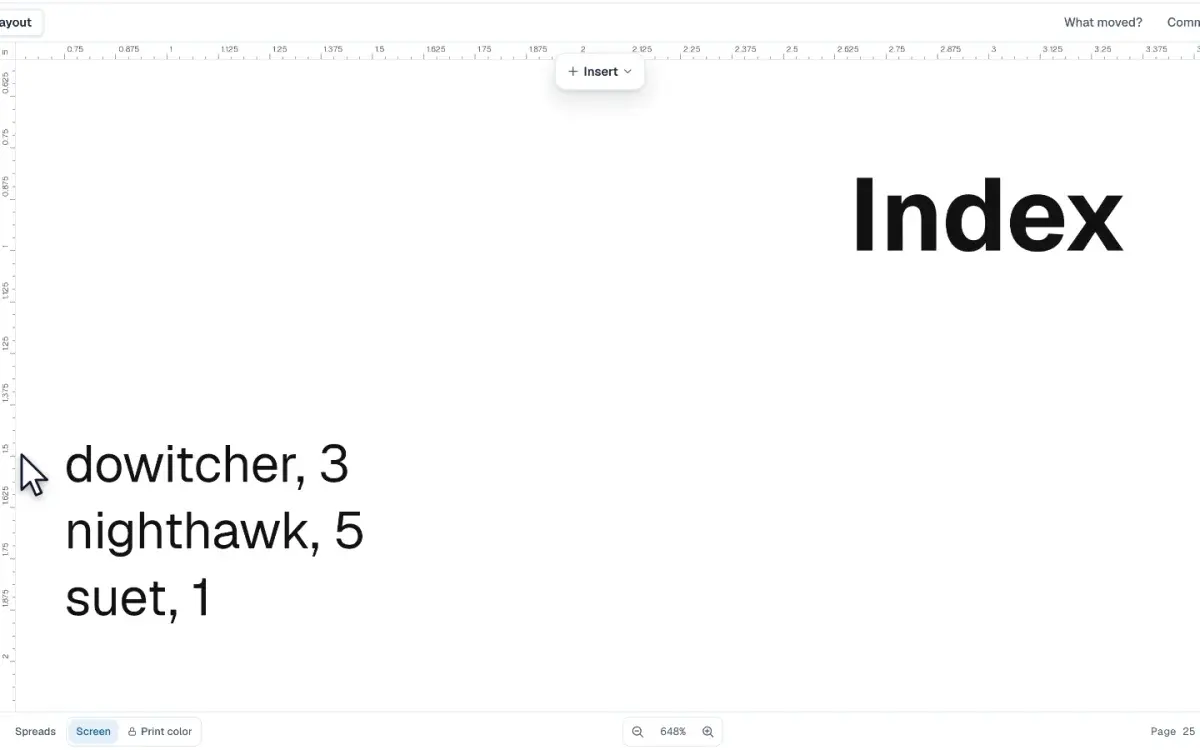
Mark a word in Write, file it as an index entry, and add an Index page that prints each term with the page a reader turns to before you order a proof copy.
LessonFree3 min · Intermediate
How to number figures in a book
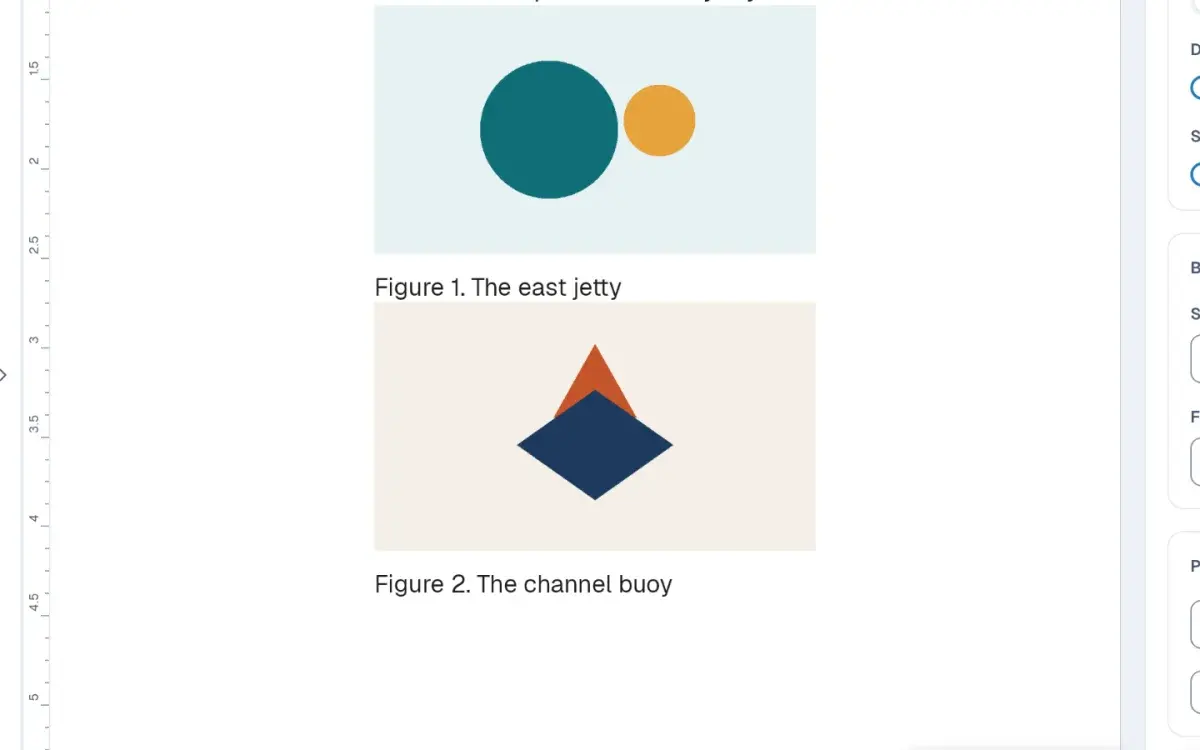
In Layout, set Figure numbers under Breaks & figures so each captioned picture prints Figure 1 and Figure 2, through the book or starting again each chapter.
Quick tipFree6 min · Beginner
How to import a Word document
Import a Word document from Write, review the chapters and anything flagged, then place the manuscript on the pages of your book. You choose what stays.
LessonPublisher plan6 min · Intermediate
How to tighten your prose with Reports
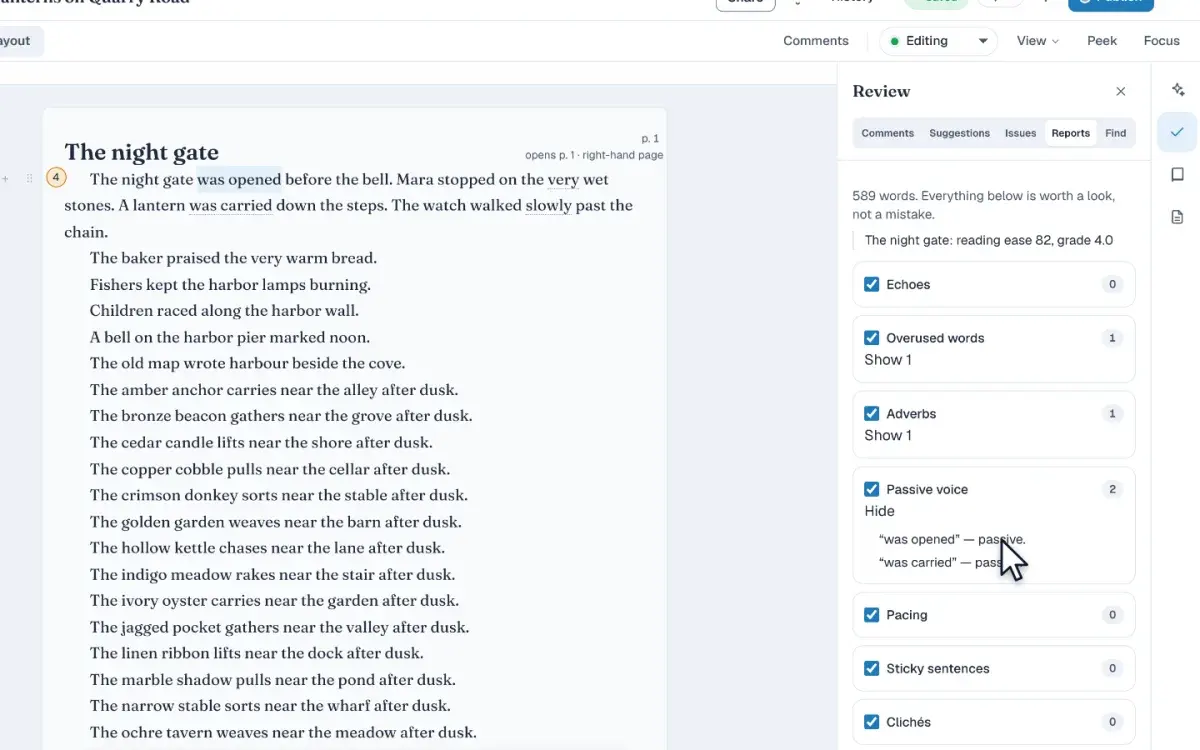
In Write, open Review and then Reports to find passive voice, overused words, and other patterns, then jump to each one in the manuscript so you can rewrite it.
LessonFree5 min · Beginner
How to send a book to beta readers
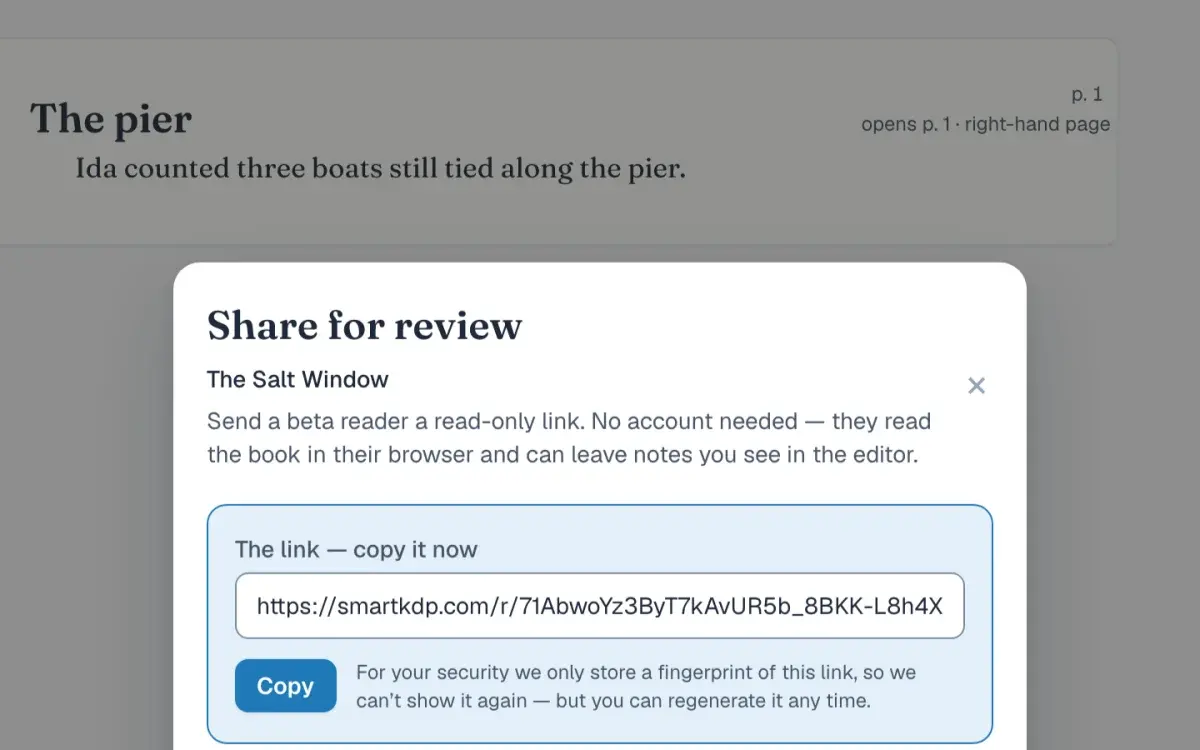
From Share, create a reader link and send the address. Your reader opens the draft with no account, leaves a note on a sentence, and you place it in Comments.
LessonPublisher plan