Learn · Topic
Text and type
Add text, style it, curve it, stack effects on it, and build your own reusable type styles and fonts.
- 4tutorials
- 0being written
5 min · Beginner
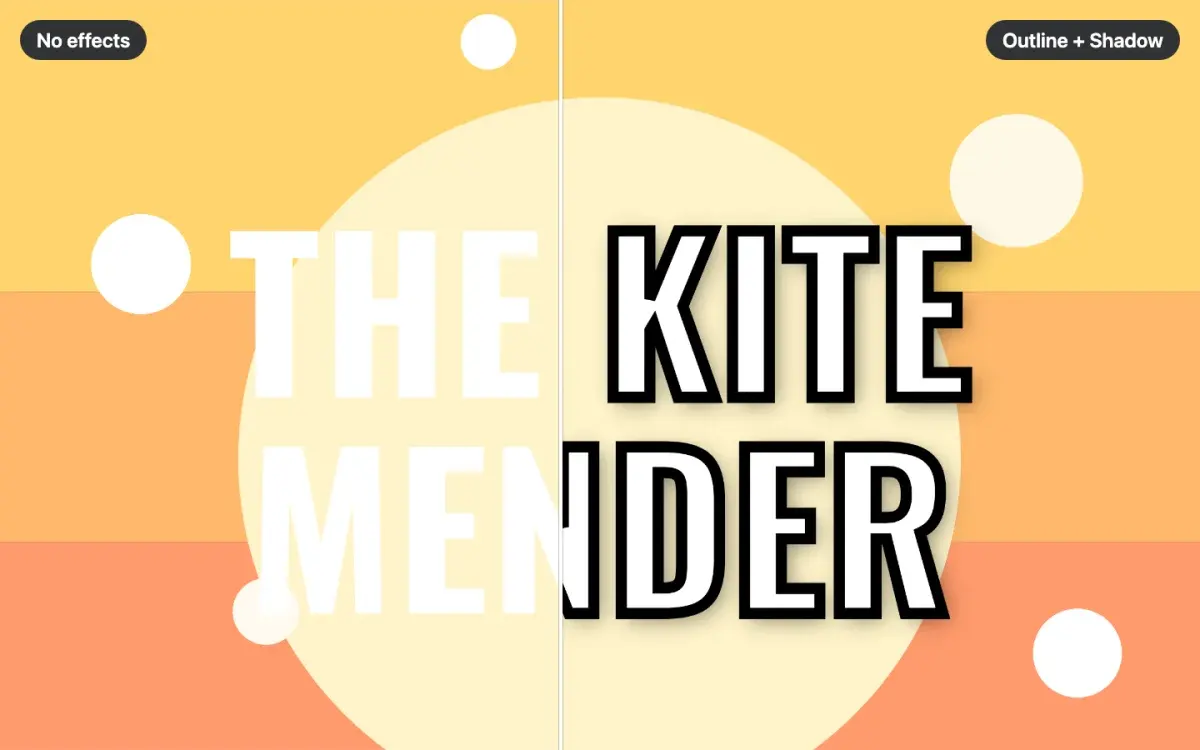
How to add text effects to a book cover
Add an outline, shadow, glow or 3D depth to your cover title, stack several at once, and keep the title readable at the thumbnail size shoppers see first.
LessonFree3 min · Beginner
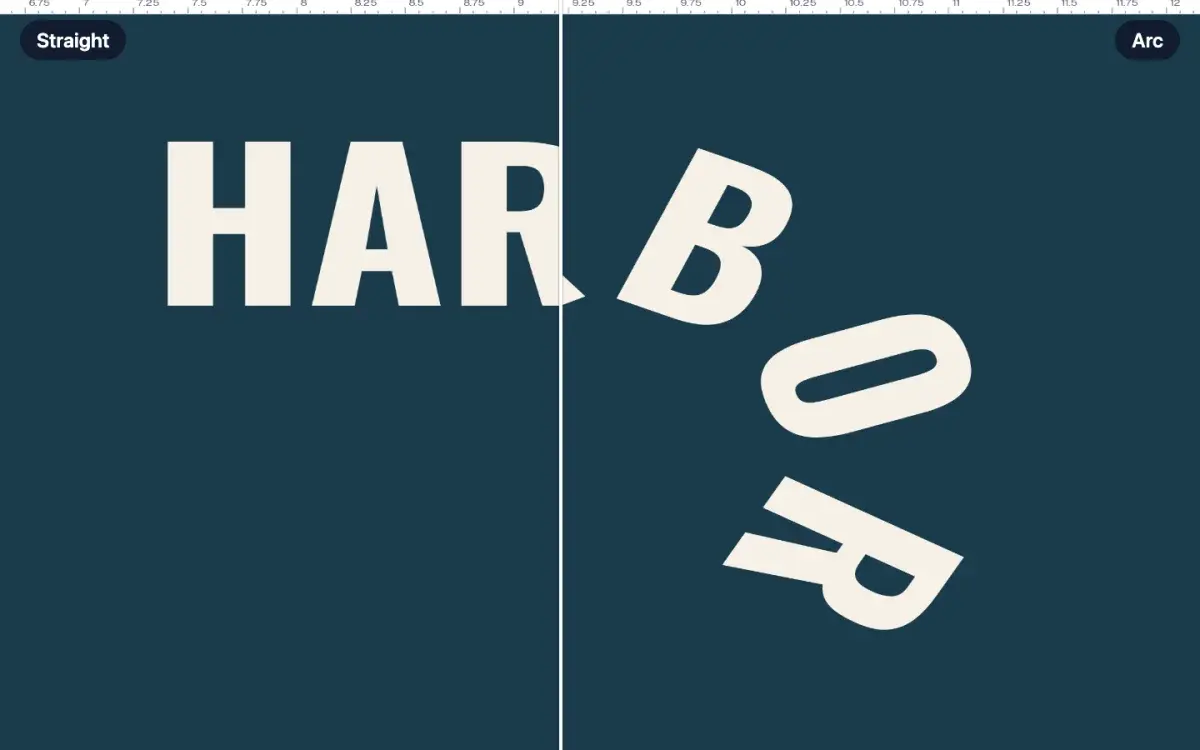
How to curve text on a book cover
Select a title and open Curve text in the toolbar. Choose Arc, then drag Bend to arch the words. Wave and Slant are beside it. One undo straightens the line.
Quick tipFree5 min · Beginner
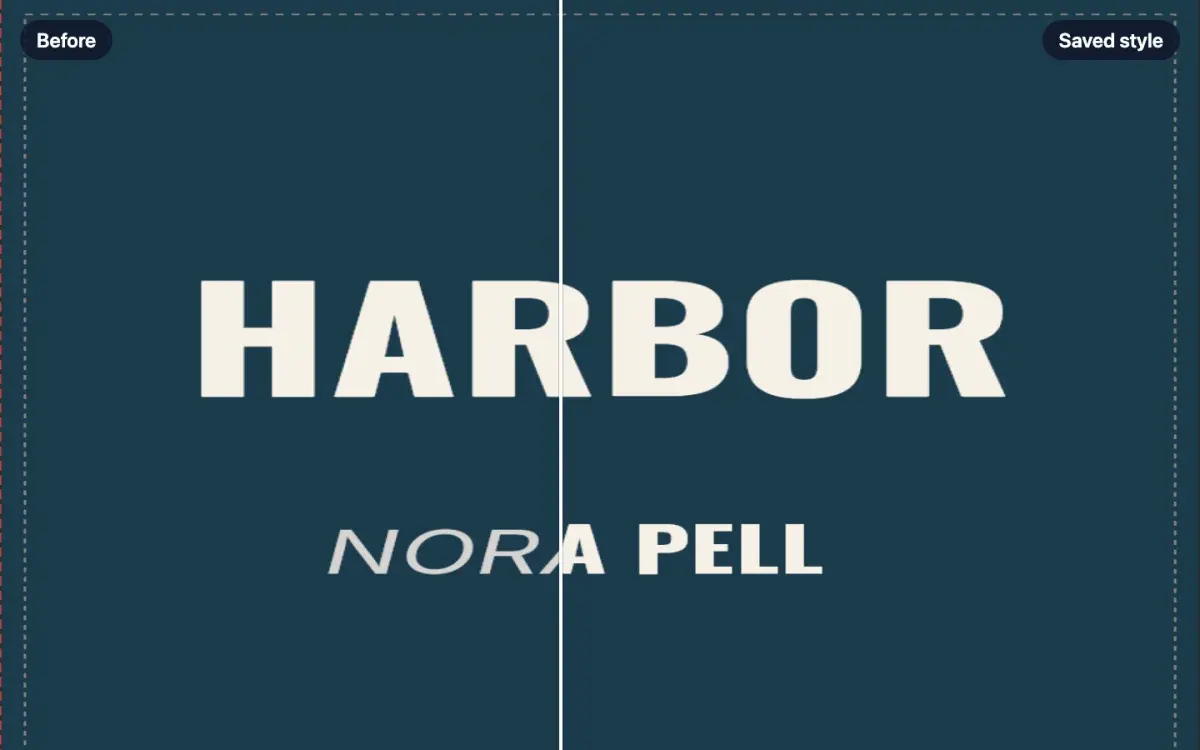
How to save and reuse your own text styles
Select a title and click Save style in the toolbar. Name it, open Text, and click that name under My styles. The look moves onto the words you selected.
LessonFree6 min · Intermediate
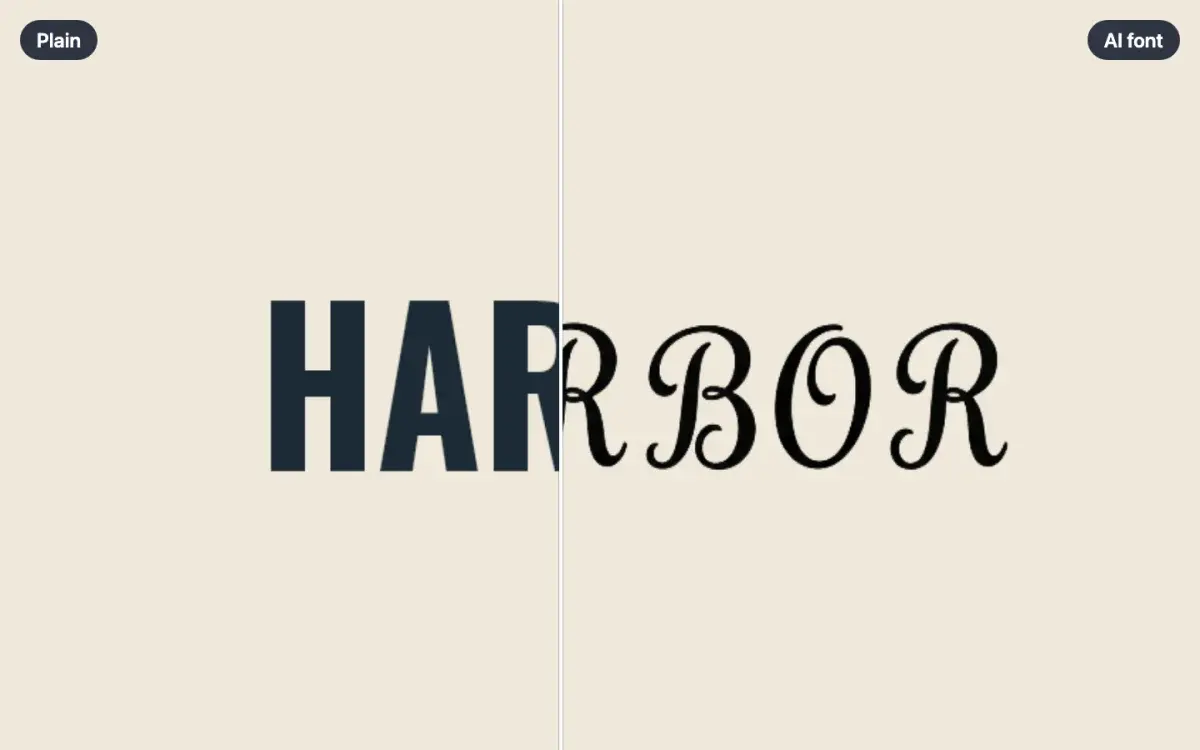
How to make your own AI font
Open AI font in the Text panel, describe the lettering, and click Make the alphabet. Pick one set of capitals, then save the font. The words stay editable.
LessonCreator plan