A cover that comes out as a document, not a JPEG
Design the back, spine and front as one wrap at your book's real spine width — with live guides, 992 templates and an AI wizard — then export a PDF that has already been checked.
From $19/month on the Creator plan. The cover size calculator stays free, and needs no account.

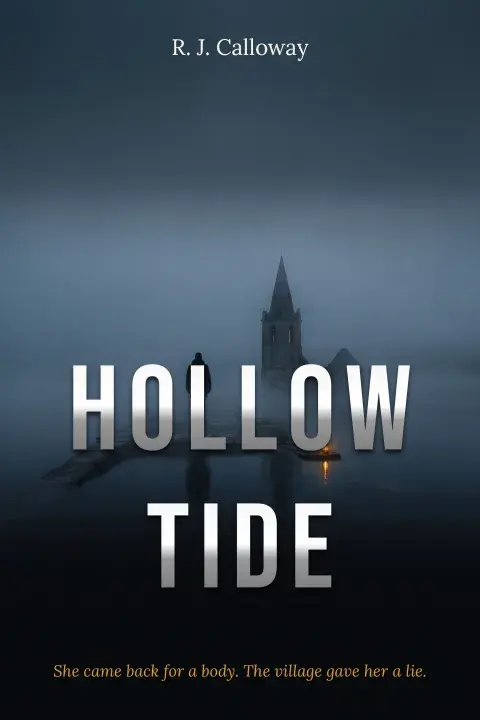

Three covers, three briefs, designed by Cover Copilot.
- cover templates
- 992
- genres
- 8
- print resolution
- 300 DPI
- bleed, all outer edges
- 0.125″
Not affiliated with Amazon. The figures on this page describe public KDP help-page rules and this editor. Confirm final cover dimensions against KDP's own cover calculator and template generator before you upload. A print-ready PDF works anywhere that takes one.
01 — Why a cover tool
A design app doesn't know your page count
Spine width is a function of how many pages you print and how thick each page is. Every general-purpose design tool makes that your problem, and makes it your problem again every time the book changes.
Included from the Creator plan, from $19/month, with 200 AI credits a month shared across every AI feature.
02 — How it goes
Three steps. No design software required.
- 01Lock the four inputsTrim size, page count, paper and interior colour. Those four decide the spine, and the spine decides the wrap. The free calculator reads them out if you only need the inches.
- 02Design itStart from one of 992 templates, describe the book and let Cover Copilot draw three, or build the wrap yourself on a blank canvas.
- 03Preflight and exportCover checks run against the wrap while the document is still open. Export PDF in RGB or CMYK, with PDF/X-1a conformance checked.
03 — Cover Copilot
Describe the book. Get three covers you can edit.
Brief → Questions → Review → Generate → Pick. Every screen below is the product, not a mock-up.
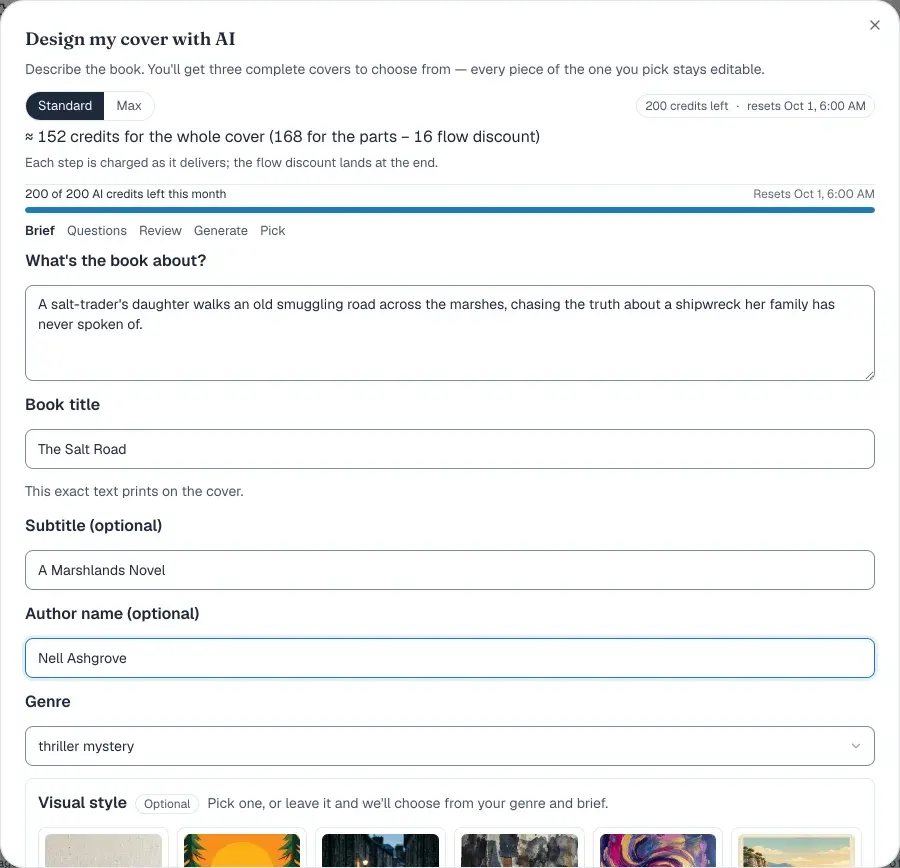
Step 1 of 5 — Brief
Describe the book in a sentence. Title, subtitle, author and genre are yours to type; visual style and mood are optional cards you can leave alone.
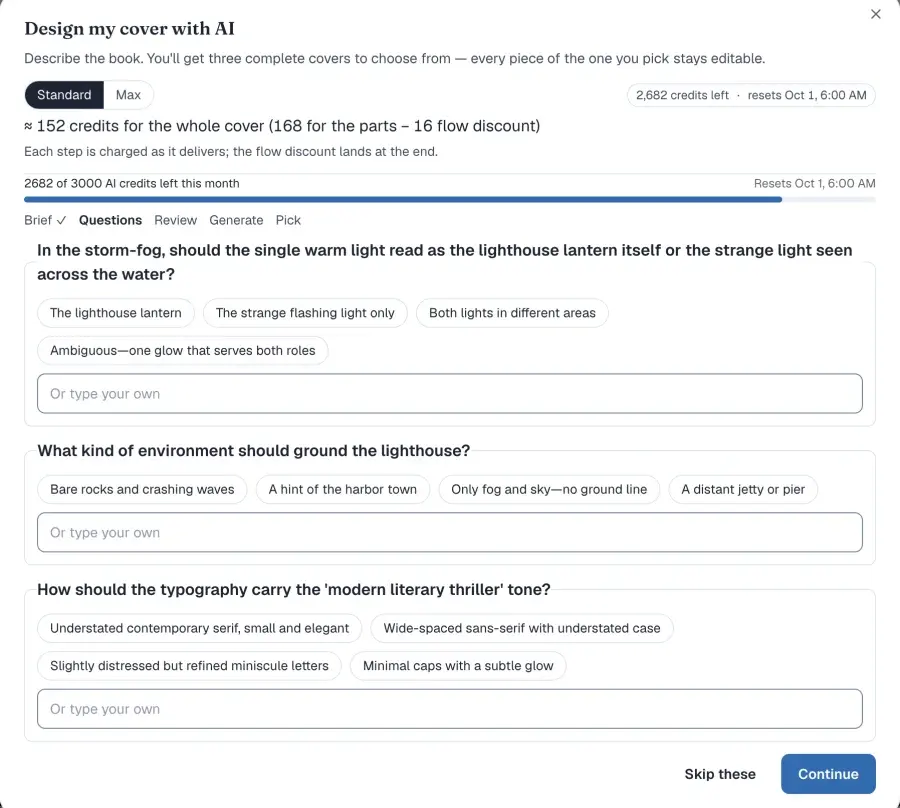
Step 2 of 5 — Questions
It asks about the things your sentence left open — the mood, the art style, how the subject should be framed. Skip them and it decides.
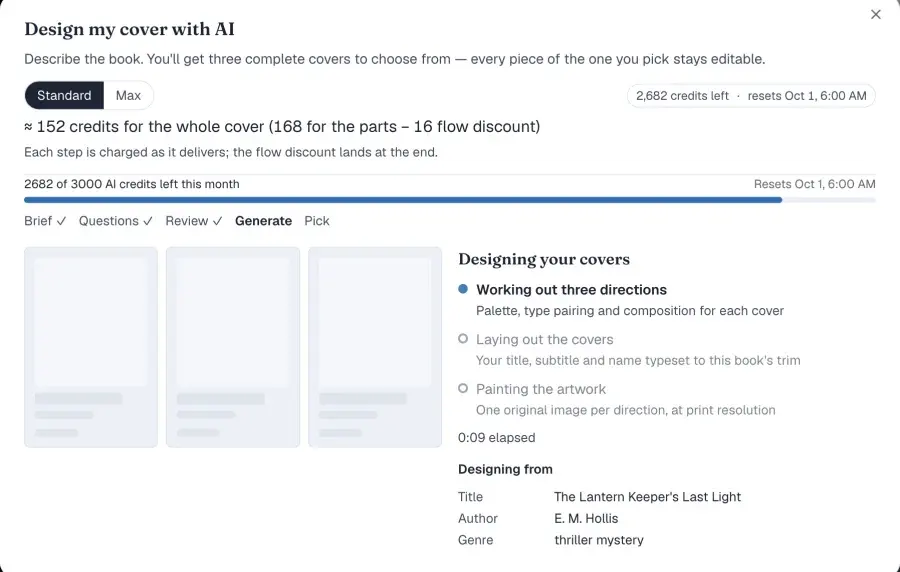
Step 3 of 5 — Generate
Three real stages, each reflecting actual state: the directions, the typesetting against your trim, then the artwork. There is no fake percentage bar.
Step 4 of 5 — Pick
Three complete covers, each with its palette and type pairing named. Pick one and every layer lands on the canvas as an ordinary object.
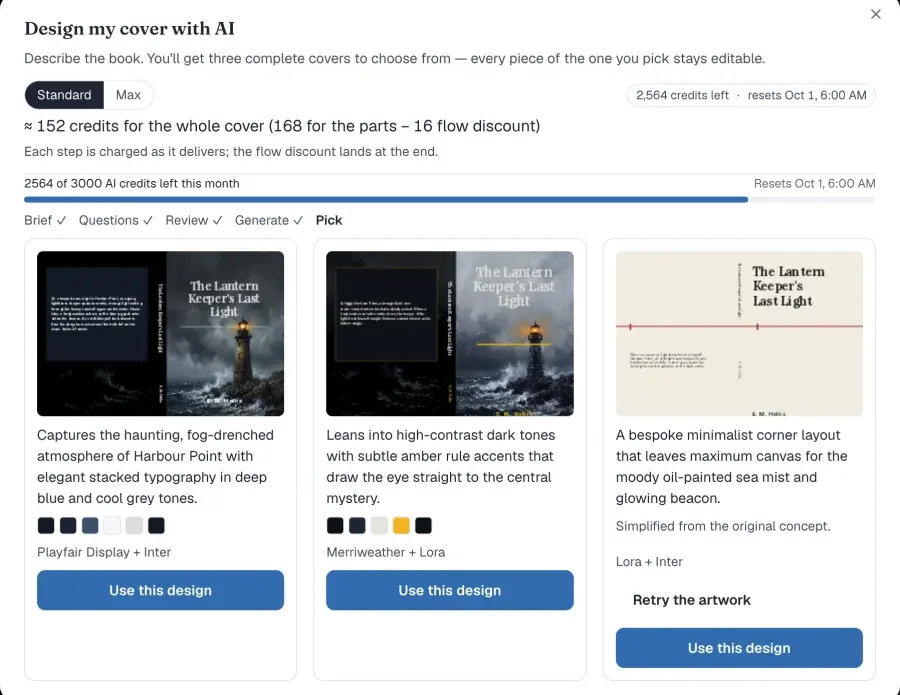
“Every layer is a normal object — click the title to retype it, drag the artwork, recolour a shape. One undo takes the whole design back off.”
That is the load-bearing claim on this page. The AI output is not a flattened image.
Working out three directions
Palette, type pairing and composition for each cover.
Laying out the covers
Your title, subtitle and name typeset to this book's trim.
Artwork generation
The artwork for each of the three covers.
Suggest a palette
Three colour directions for this book, applied to your template's own colour slots.
Suggest font pairings
Three heading + body pairings drawn from your available fonts.
Suggest a title layout
A layout direction for the title block, resolved against your book's real trim.
Polish the back blurb
Rewrites the back-cover blurb.
Each assist is charged once, and each apply is one undoable step. Every button shows its credit cost before you press it, and if something fails the message says whether you were charged.
04 — Guides
Guides that follow your book, not a fixed preview
Bleed and trim
0.125 in on every outer edge, drawn live over the wrap.
Barcode keep-out
2 × 1.2 in with a 0.25 in margin, so nothing you place gets covered at print.
Spine text gate
KDP prints spine text only above 79 pages, so below that the editor blocks it and says why.
Drift detection
If the linked interior's page count moves, a banner offers the update. Nothing is recomputed for you — you may have proof-copied exactly this file.
05 — Output
Covers this editor made
Eighteen of the 992 templates, two from each of the 8genres, laid out at 6 × 9 and rendered exactly as they print in an exported PDF.


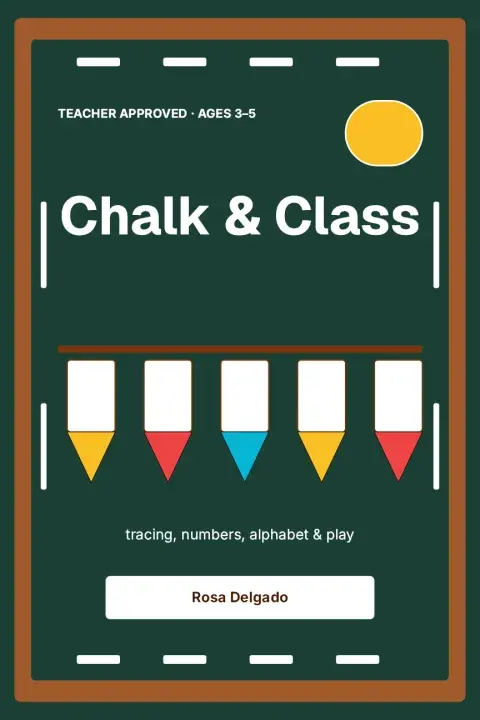
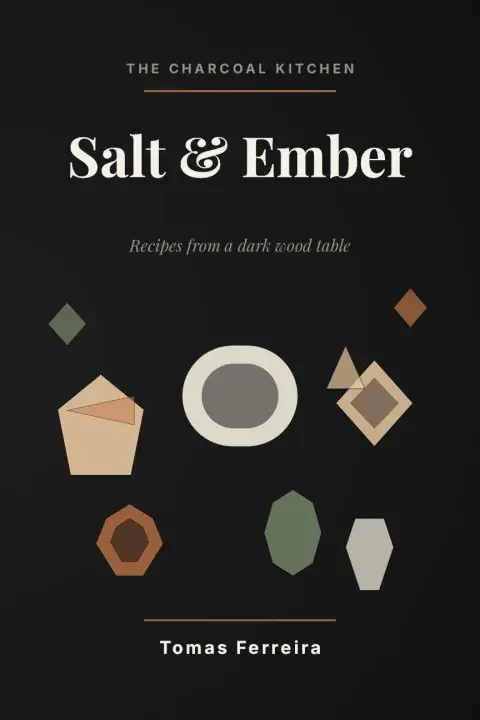
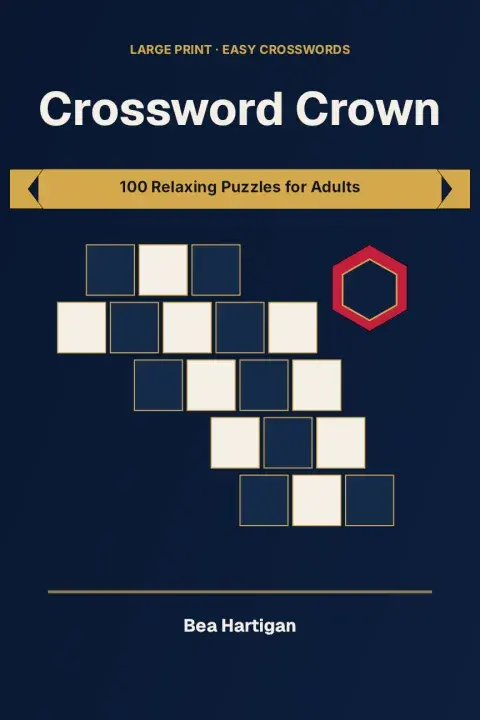
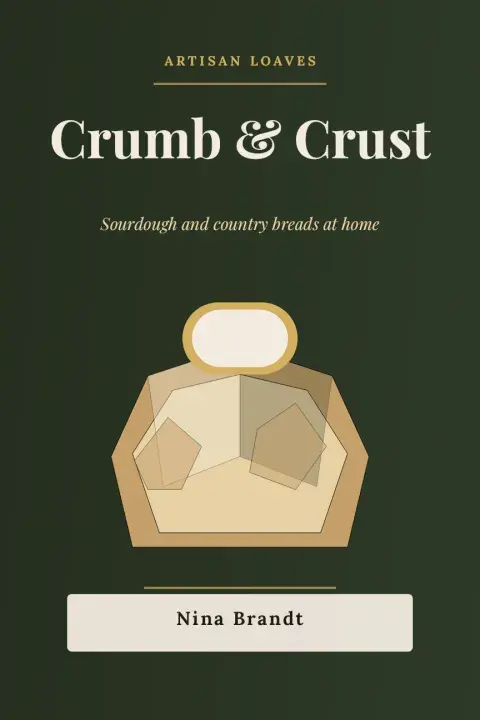



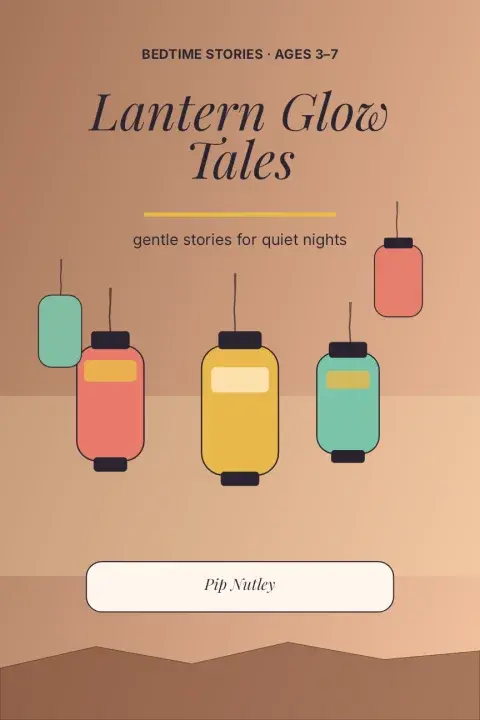

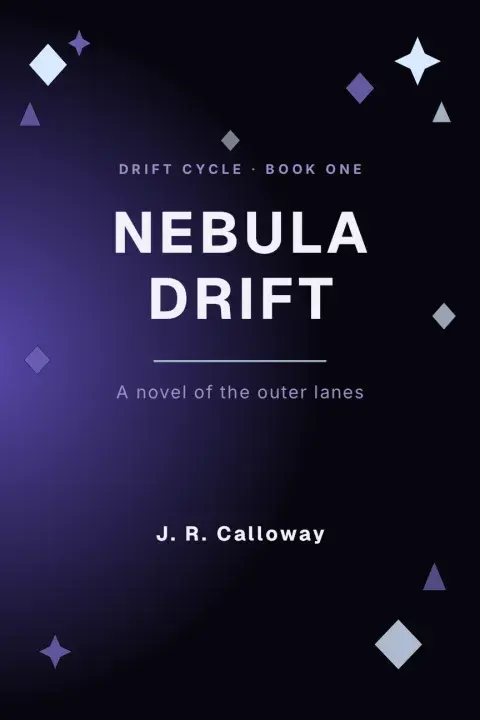
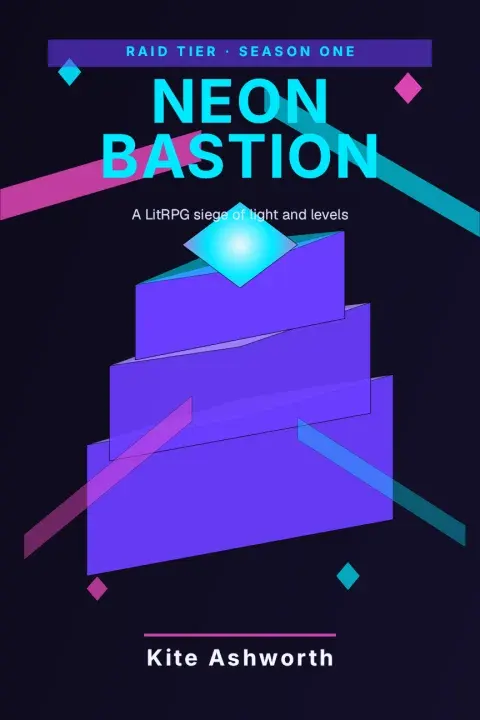
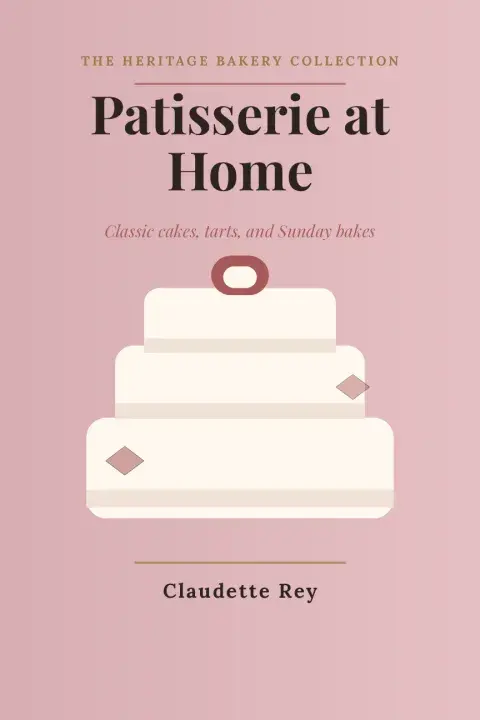
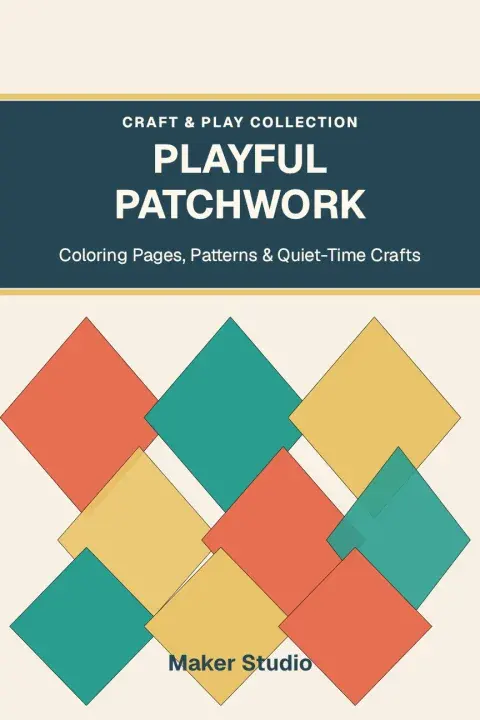
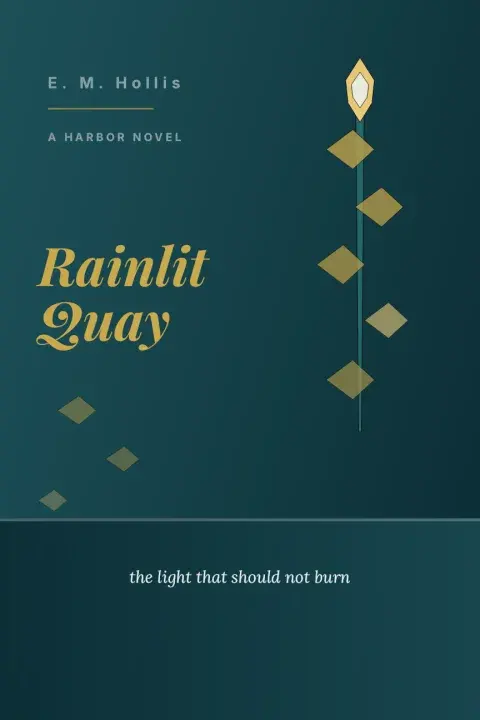
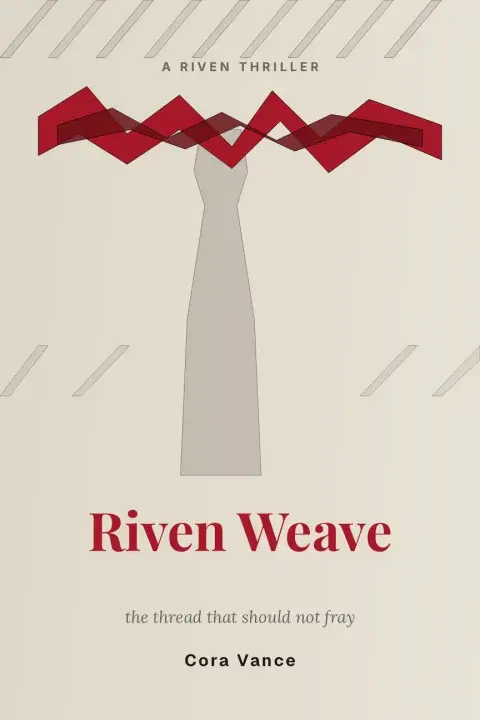
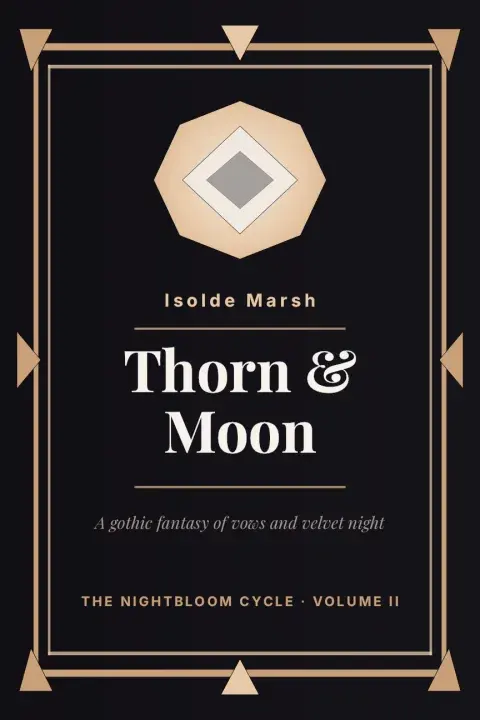
Our own output, unretouched. The titles are each template's shipped sample and the author names are samples too — these are designs you can start from, not published books.
06 — What you get
Everything you need to ship a cover
A full-wrap document, not a square
Back cover, spine and front as one page in the same canvas editor as the rest of the studio. Wrap size comes from trim, page count, paper and interior colour.
992 templates across 8 genres
Each resolves against your book's real trim and spine, not a fixed preview size. Applying one is a single undoable command and every element lands as a normal editable object.
Cover Copilot
A five-step wizard (Brief → Questions → Review → Generate → Pick) that produces three complete covers typeset to this book's trim. Pick one and every layer stays editable.
Four targeted AI assists
Palette, font pairings, title layout and back-blurb polish. Every button shows its credit cost before you use it, and a failed request does not charge you.
Preflight before you get a file
Findings split into Error and Warning, each naming the panel it belongs to — Back cover, Spine, Front cover or Whole cover — so you fix the object, not a rejection email.
Print-ready export, RGB or CMYK
PDF/X-1a conformance is checked before you download. Font licensing is a real gate, not formatting advice.
A 3D mockup of the cover you designed
The mockup is made from the cover you designed — not a stock scene you paste a JPEG into. Paperback, hardcover or an e-reader-shaped device, with the spine thickness coming from this book's page count rather than a lookup table.
Hardcover boards overhang the page block on three sides, the way a real case-bound book does. Downloads are 2048/3000/4000 px at 300 DPI. The on-screen preview is free for every account; only the download is a paid action.
07 — Preflight
Checked before you get a file
Findings split into two severities: Error blocked the export; Warning did not. The cover checks below warn — they never deny you the file. That is deliberate: you may have proof-copied exactly this wrap, and a tool that locks you out of your own export on a judgment call is worse than one that tells you and stands aside.
- WarningCover size & print boxes
- WarningSpine text
- WarningBarcode area
- WarningSafe area
- WarningCover size is out of date
Shared checks that also apply: trim & bleed, image resolution (DPI), font licensing (embedding), document info, PDF/X-1a conformance, page size, minimum font size, file size, and AI-generated content disclosure. Font licensing is a real gate, not formatting advice.
Preflight is not Amazon's review, and we do not pretend otherwise. A warning you ignore can still come back as a KDP rejection. What preflight buys you is the finding, on the object, while the document is still open — instead of an email days later naming one problem when the file has three.
08 — The arithmetic
Every number on this page is checkable
spine width = page count × per-page thickness

cover width  = (2 × trim width) + spine width + (2 × bleed)
cover height = trim height + (2 × bleed)
Bleed is 0.125 in on the outer edges. Per-page thickness is a KDP constant that changes; the KDP Cover Size Calculator holds the live values, and how to calculate KDP cover size walks the paperback math.
The editor and the free calculator share one set of cover formulas, and the two are tested against each other — so there is one set of numbers, not two that can disagree after you hit export.
We have no reviews to show you, so here is the next best thing: the free tool that would catch us out if any of this were wrong.
09 — The catalog
992 covers you can start from
The genre list is fixed — the rows below. Templates split free and pro; pro templates unlock on a paid plan.
| Genre | Templates |
|---|---|
| Children's | 170 |
| Self-help & business | 127 |
| Cookbook | 125 |
| Journal & planner | 125 |
| Low-content activity | 120 |
| Romance | 117 |
| Fantasy & sci-fi | 104 |
| Thriller & mystery | 104 |
| Total | 992 |
Two kinds ship. Geometric templates are built from shapes and live text. Illustrated templates layer artwork with live text and recolourable shapes — never one flat picture with the title trapped inside it.
Applying either kind is one undoable step; every element lands on the canvas as a normal editable object, resolved against yourbook's trim and spine. AI can rank the catalog against your brief, so you choose from a shortlist rather than scrolling all 992.
Design the wrap, not a square
Open a cover at your book's real spine width, with guides, templates and preflight already in the editor — then export a PDF that has already been checked.
Included from the Creator plan at $19/month, with 200 AI credits a month shared across every AI feature. Your country's price is shown at checkout. The free cover calculator never requires a plan.
Frequently asked questions
What is Cover Designer for Amazon KDP?
Cover Designer is a browser editor that designs a print-ready full-wrap cover — back, spine, and front as one document — sized from your book's trim, page count, paper, and interior color. Live guides, 992 templates, an AI wizard, a 3D mockup, and cover preflight all run against that wrap, then you export PDF in RGB or CMYK with PDF/X-1a checked.
Is Cover Designer the same as the KDP cover size calculator?
No. The free calculator gives you wrap dimensions and an SVG guide. Cover Designer is the editor that designs the wrap at those dimensions, with templates, AI, a 3D mockup, and preflight, then exports a print-ready PDF. If you only need the inches, the calculator is enough.
How many KDP cover templates are there?
992 across 8 genres, split free and pro. Pro templates unlock on a paid plan. Applying a template is one undoable step; every element lands as a normal editable object, resolved against your book's real trim and spine. AI can also rank the catalog against your brief so you shortlist instead of scrolling.
Does the AI cover designer give me an editable file?
Yes. Cover Copilot is a five-step wizard — Brief, Questions, Review, Generate, Pick — and you get three complete covers to choose from. After you apply one, every layer is a normal object: click the title to retype it, drag the artwork, recolor a shape. One undo takes the whole design back off. It is not a flattened JPEG.
What does KDP cover preflight check?
Before you get a file, cover-specific checks run as Cover size & print boxes; Spine text; Barcode area; Safe area; Cover size is out of date. Shared checks also cover trim and bleed, image resolution, font licensing, document info, PDF/X-1a conformance, page size, minimum font size, file size, and AI-generated content disclosure. Error blocked the export; Warning did not. Each finding names the panel.
Is the 3D book mockup free?
The on-screen 3D preview is free for every account. The download is a paid action: hi-res marketing PNGs at 2048/3000/4000 px, tagged at 300 DPI. An account without watermark-free export gets a watermarked PNG. Do not plan a launch around a free download.
When should I use the free KDP cover calculator instead?
When you only need dimensions. Enter trim, page count, paper, and interior color, and read spine width plus full-wrap size with and without bleed. The free KDP Cover Template Generator is the next step if you design in another tool and want a guide PDF. Cover Designer is the step after that: designing the wrap itself.
Which plan includes Cover Designer?
The Creator plan, from $19 a month, with 200 AI credits a month shared across every AI feature. Every AI button shows its credit cost before you use it. Your country's price is shown at checkout. The free cover calculator and cover template generator stay free.
10 — Fit
When the free calculator is enough
Use Cover Designer when
You are producing the wrap itself: templates, type, artwork, a 3D mockup and a preflighted PDF. It lives in the same canvas as Book Studio, so a cover can wrap an existing book and track that book's page count.
Stop at the free tools when
You only need dimensions — the calculator needs no account and is the right tool for that job. If you design elsewhere and just want fold lines and a barcode box, the free template generator gives you a guide PDF and 300 DPI PNG layers. Paying for the editor to read a spine width is a worse use of the Creator plan than opening the calculator.
Everything KDP authors need for a cover
Free cover tools
Cover guides
Get the KDP toolkit updates
New free tools and KDP rate-change alerts, occasionally, no spam.
SmartKDP is not affiliated with, endorsed by, or sponsored by Amazon. Amazon, Kindle, and Kindle Direct Publishing are trademarks of Amazon.com, Inc. or its affiliates.