Amazon A+ content examples for books
17 layouts, each built around a kind of book rather than around a product. Every one names the KDP modules it uses, what your book supplies to each image slot, and the character limit on every field.
Search for an A+ template and you will find packs of 970×600 rectangles. 970×600 is the sheet the modules sit on, not the size of the images inside them, and the layouts are built for physical goods: feature grids, materials, a comparison chart pitched against a competitor. That last one is prohibited in A+ content outright, and it is one of the causes authors are rejected for most.
The 17 shown here are built for books: they are 17 of the 44 starter packs in the Book Studio A+ Content Designer. Applying any of them fills every slot from the book you linked, its cover, its interior pages, its listing copy and its brand colours.
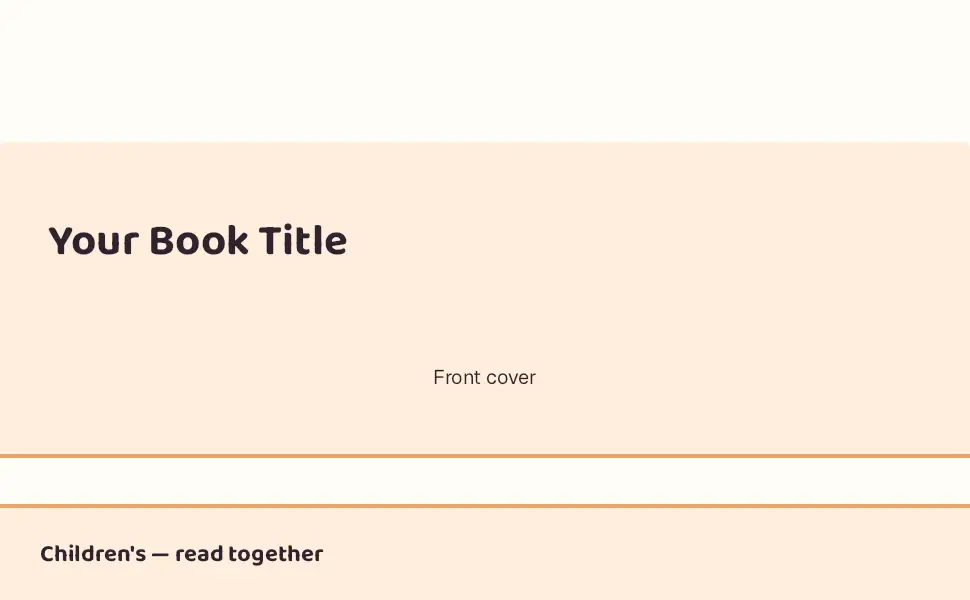
Children's — read together
5 modules · 5 images from your book · Publisher and up
A light hero, three spreads and a single-image block, then the specs. Written for the adult buying it and the child reading it.
- Standard Image & Light Text Overlay
- Standard Three Images & Text
- Standard Single Left Image
- Standard Text
- Standard Technical Specifications
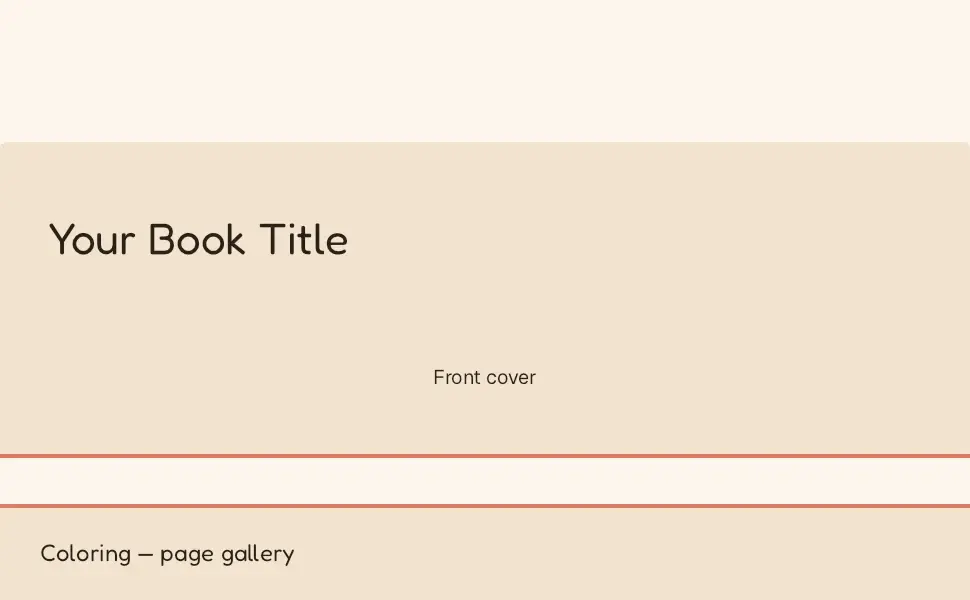
Coloring — page gallery
5 modules · 8 images from your book · Publisher and up
A light overlay hero, a quadrant and a strip of real pages, then the specs. The whole pitch for a coloring book is its pages.
- Standard Image & Light Text Overlay
- Standard Four Image & Text Quadrant
- Standard Three Images & Text
- Standard Technical Specifications
- Standard Text
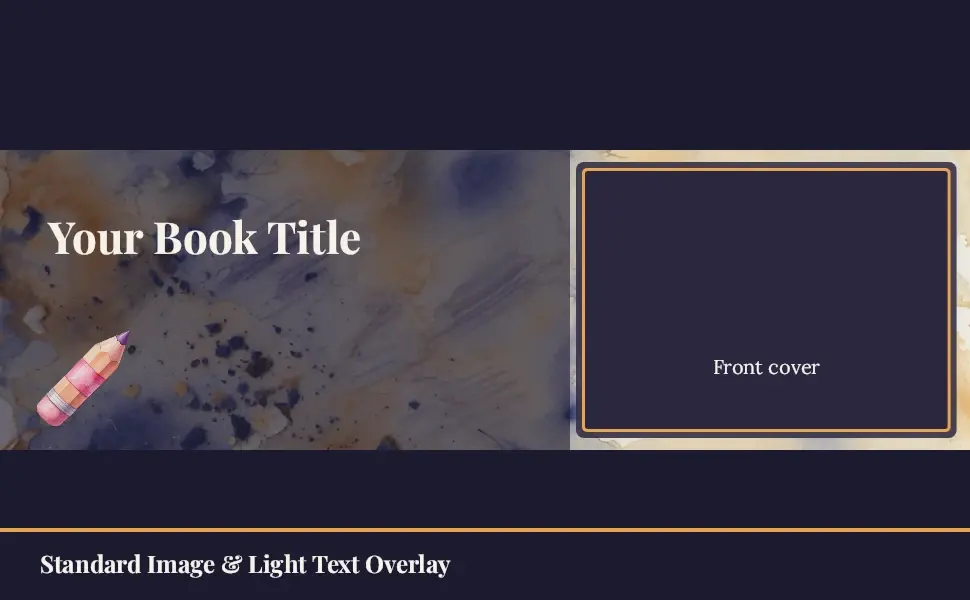
Watercolor Coloring book — Page gallery · Dusk
5 modules · 8 images from your book · free
A light overlay hero, a quadrant and a strip of real pages, then the specs. Loose watercolor washes on paper texture. Deep indigo, warm amber and cream.
- Standard Image & Light Text Overlay
- Standard Four Image & Text Quadrant
- Standard Three Images & Text
- Standard Technical Specifications
- Standard Text
Cookbook — four plates
5 modules · 6 images from your book · Publisher and up
A header, four recipe pages, a highlights block and the description. Food books sell on their photographs, so this pack is mostly pages.
- Standard Image Header with Text
- Standard Four Image & Text
- Standard Single Image & Highlights
- Standard Product Description Text
- Standard Technical Specifications
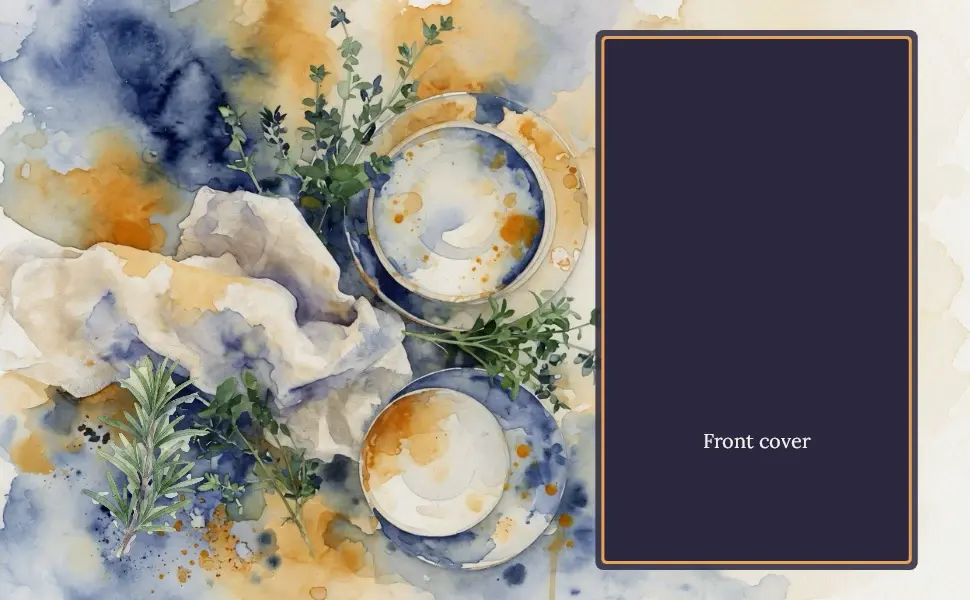
Watercolor Cookbook — Four plates · Dusk
5 modules · 6 images from your book · free
A header, four recipe pages, a highlights block and the description. Loose watercolor washes on paper texture. Deep indigo, warm amber and cream.
- Standard Image Header with Text
- Standard Four Image & Text
- Standard Single Image & Highlights
- Standard Product Description Text
- Standard Technical Specifications
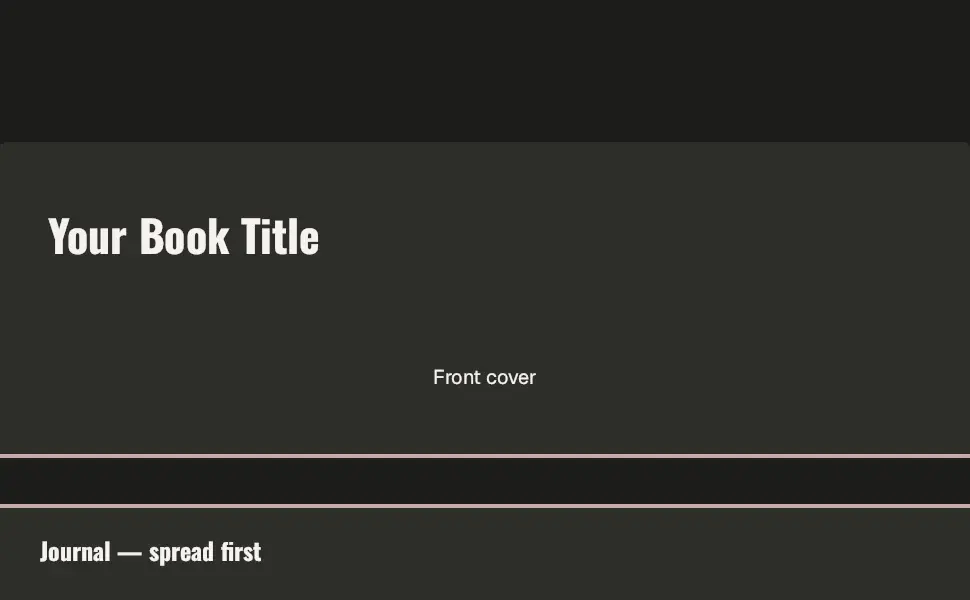
Journal — spread first
5 modules · 6 images from your book · Publisher and up
A dark hero, a quadrant of interior spreads, a single-image block and the specs. A planner is bought on its layout, so the layout leads.
- Standard Image & Dark Text Overlay
- Standard Four Image & Text Quadrant
- Standard Single Right Image
- Standard Text
- Standard Technical Specifications
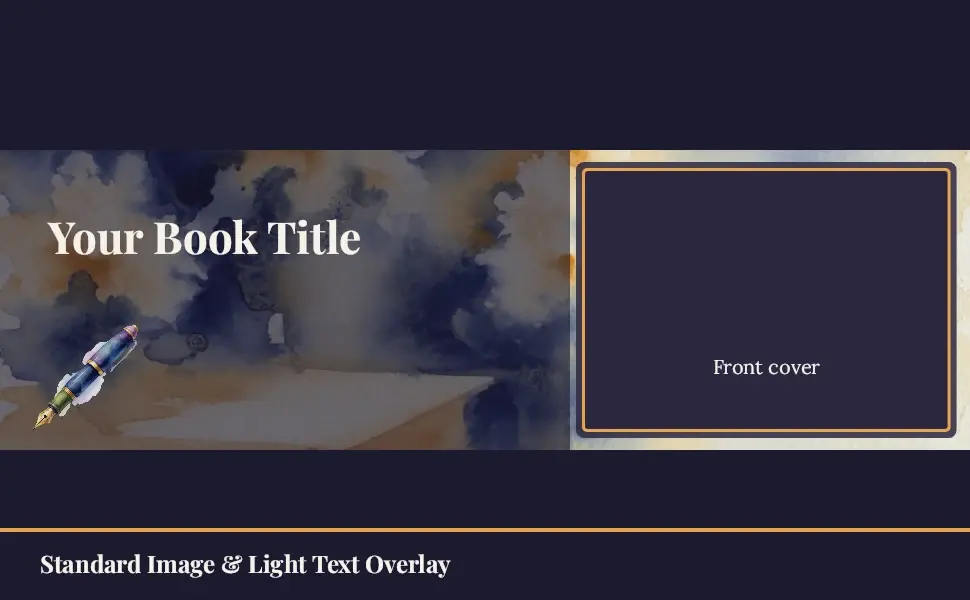
Watercolor Journal — Spread first · Dusk
5 modules · 6 images from your book · free
A dark hero, a quadrant of spreads, a single-image block and the specs. Loose watercolor washes on paper texture. Deep indigo, warm amber and cream.
- Standard Image & Light Text Overlay
- Standard Four Image & Text Quadrant
- Standard Single Right Image
- Standard Text
- Standard Technical Specifications
Minimal — three blocks
3 modules · 1 images from your book · free
A header, a paragraph and the specs. The shortest honest A+ page: nothing to fill in that the book does not already answer.
- Standard Image Header with Text
- Standard Text
- Standard Technical Specifications
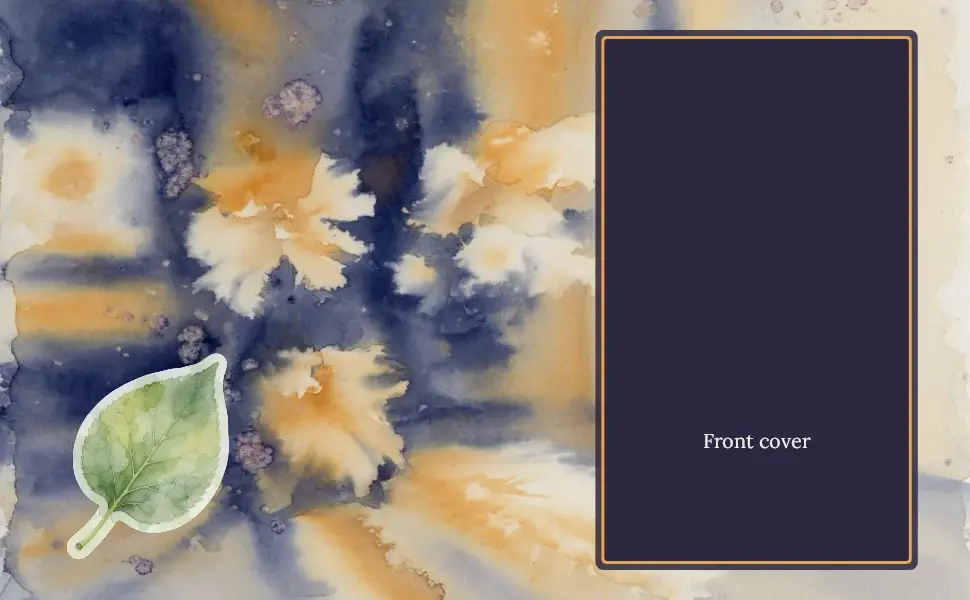
Watercolor Book — Three blocks · Dusk
3 modules · 1 images from your book · free
A header, a paragraph and the specs: the shortest honest A+ page. Loose watercolor washes on paper texture. Deep indigo, warm amber and cream.
- Standard Image Header with Text
- Standard Text
- Standard Technical Specifications
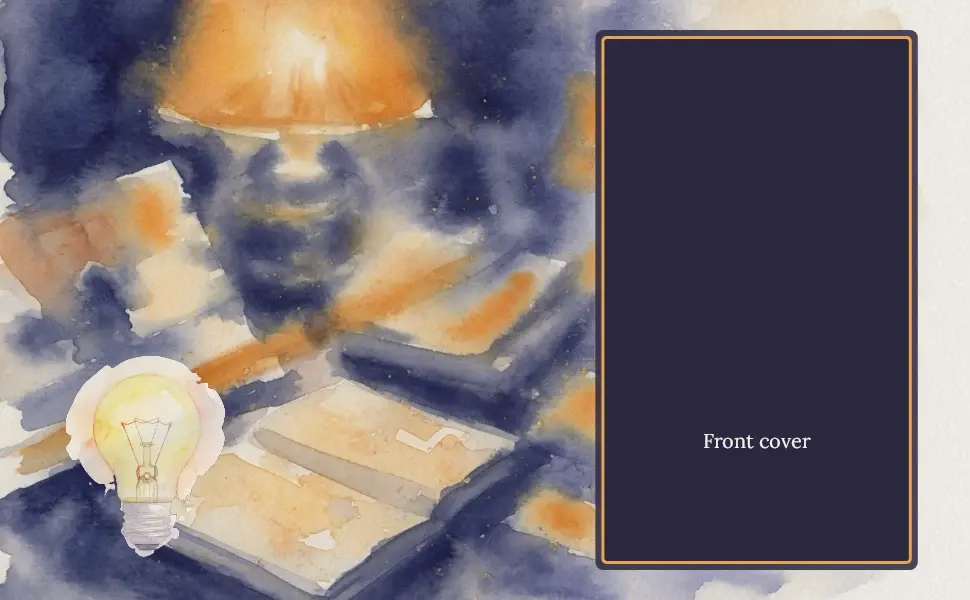
Watercolor Guide — What you'll learn · Dusk
5 modules · 3 images from your book · free
A header, a highlights block, a specs detail and the description. Loose watercolor washes on paper texture. Deep indigo, warm amber and cream.
- Standard Image Header with Text
- Standard Single Image & Highlights
- Standard Single Image & Specs Detail
- Standard Product Description Text
- Standard Technical Specifications
Nonfiction — what you'll learn
5 modules · 3 images from your book · Publisher and up
A header, a highlights block, a specs detail and the description. For a how-to whose buyer wants credibility before prose.
- Standard Image Header with Text
- Standard Single Image & Highlights
- Standard Single Image & Specs Detail
- Standard Product Description Text
- Standard Technical Specifications
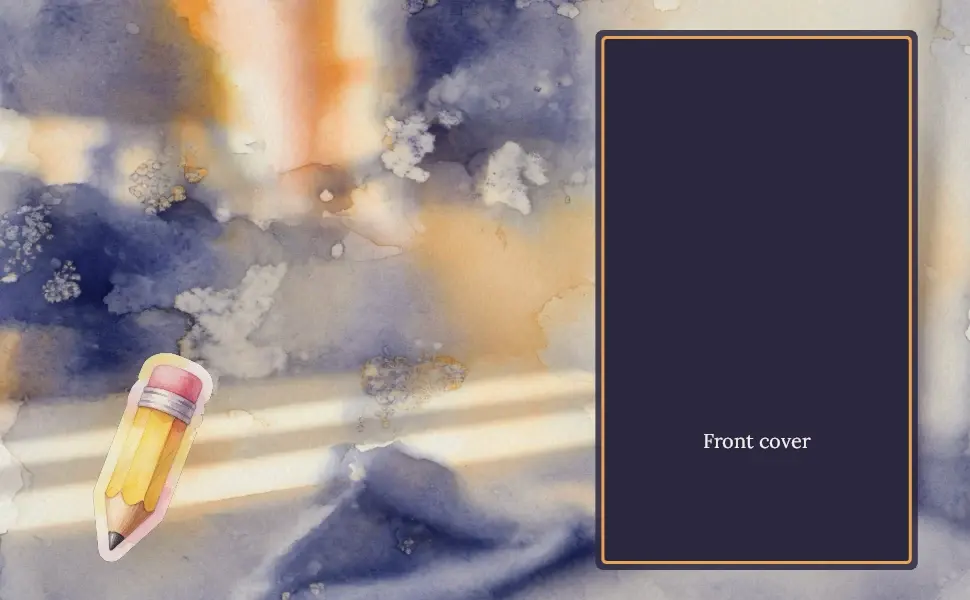
Watercolor Puzzle book — What's inside · Dusk
5 modules · 10 images from your book · free
The cover, a quadrant of sample pages, a spread, the specs and the description. Loose watercolor washes on paper texture. Deep indigo, warm amber and cream.
- Standard Image Header with Text
- Standard Four Image & Text Quadrant
- Standard Multiple Image Module A
- Standard Technical Specifications
- Standard Product Description Text
Puzzle — what's inside
5 modules · 10 images from your book · free
The cover, a quadrant of sample pages, a spread, the book's own specs and its description. Built for a low-content book whose pages are the pitch.
- Standard Image Header with Text
- Standard Four Image & Text Quadrant
- Standard Multiple Image Module A
- Standard Technical Specifications
- Standard Product Description Text

Series — side by side
4 modules · 2 images from your book · Publisher and up
A comparison chart of your own volumes above a header and the specs. Built for an author whose next sale is their own backlist.
- Standard Comparison Chart
- Standard Image Header with Text
- Standard Text
- Standard Technical Specifications

Watercolor Series — Side by side · Dusk
4 modules · 2 images from your book · free
A comparison chart of your own volumes above a header and the specs. Loose watercolor washes on paper texture. Deep indigo, warm amber and cream.
- Standard Comparison Chart
- Standard Image Header with Text
- Standard Text
- Standard Technical Specifications
Story — the trade look
4 modules · 6 images from your book · free
A dark overlay hero, three interior spreads, an author block and the description. For a novel that should look trade-published.
- Standard Image & Dark Text Overlay
- Standard Three Images & Text
- Standard Single Image & Sidebar
- Standard Product Description Text
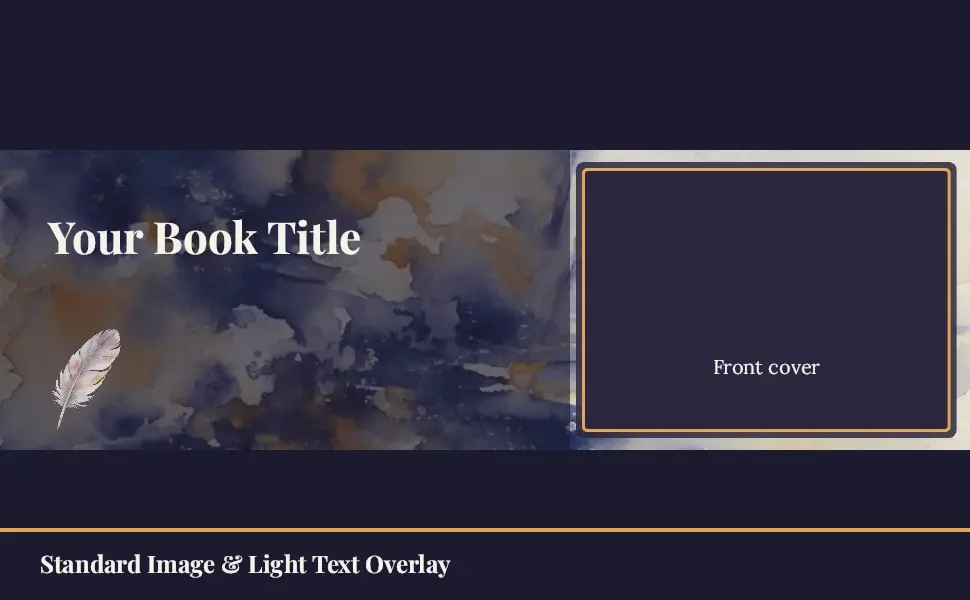
Watercolor Novel — Trade look · Dusk
4 modules · 6 images from your book · free
A dark overlay hero, three interior spreads, an author block and the description. Loose watercolor washes on paper texture. Deep indigo, warm amber and cream.
- Standard Image & Light Text Overlay
- Standard Three Images & Text
- Standard Single Image & Sidebar
- Standard Product Description Text
Build one yourself
The free A+ template maker builds one module at a time in your browser — exact pixels, live counters, and the published rules checked as you type. The character-limits guide is the full table for all seventeen modules.
Frequently asked questions
What does good A+ content look like for a book?
It answers the questions the listing gallery leaves open: what a page actually looks like, how big the print is, what is in the book, and how this volume relates to the rest of the series. Almost every A+ template sold online is built for a physical product — features, materials, a comparison against competitors — and the last of those is prohibited outright.
How many A+ modules should a book use?
KDP's A+ Content allows five modules from the Basic set per submission. Most of the layouts here use all five, because the modules are free and a shopper who scrolls is a shopper still deciding — but three good modules beat five that repeat each other.
Can I copy these layouts?
They are the starter packs inside the A+ Content Designer, so applying one is a click there. If you would rather build them by hand in A+ Content Manager, every page here names the module, its slots, its pixel sizes and its character limits, which is everything you need to reproduce it.
Are these real screenshots of live A+ content?
No, and no page here claims they are. They are renders of the layouts themselves, made the same way as the images you submit, with a labelled placeholder in each image slot naming what your book supplies there — its cover, its page 3, its second volume. That is the honest picture of what you get before you link a book.
Layouts rendered 2026-09-06. A conforming file is not an approval — Amazon reviews A+ content by hand. Amazon usually answers within seven business days, and the clock we show ends on the eighth.
SmartKDP is not affiliated with, endorsed by, or sponsored by Amazon. Amazon, Kindle, and Kindle Direct Publishing are trademarks of Amazon.com, Inc. or its affiliates.
Get the KDP toolkit updates
New free tools and KDP rate-change alerts, occasionally, no spam.