Children's — read together
A light hero, three spreads and a single-image block, then the specs. Written for the adult buying it and the child reading it.
5 of KDP's 5 allowed modules · 5 images from your book · Publisher and up
Every image below is a render of the layout itself, made the same way as the files you submit. Each image slot carries a label — "Front cover", "Page 3" — naming what your own book supplies there once you link it. Nothing on this page is a screenshot of a live listing.
- Ground
#fffdf7 - Accent
#f4a261 - Ink
#2d232e - Mat
#ffeedd
1. Standard Image & Light Text Overlay
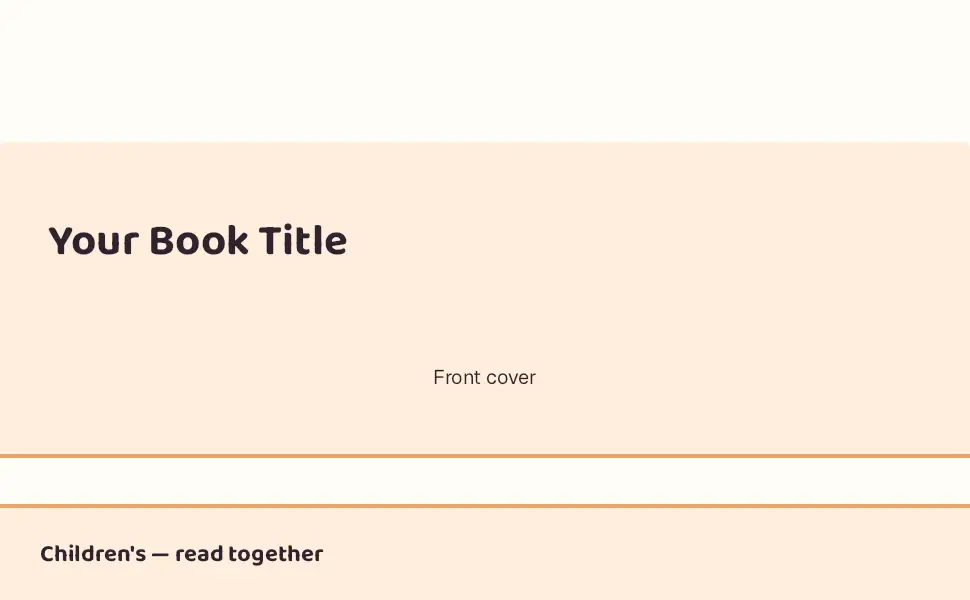
Same shape as the dark overlay, for a dark image. Choosing the wrong one is a formatting rejection rather than a taste question: light text on a light photograph fails Amazon's own legibility read.
| Slot | Filled from | Limit |
|---|---|---|
| Header image (image) | The book's front cover | 970×300 (1940×600 at 2×) px · KDP says |
| Body text (text) | the first sentences of the listing description — “What the story is, in a sentence.” until you link a book | 300 characters · provisional (Seller Central figure) |
| Headline (text) | the book's title — “Your Book Title” until you link a book | 70 characters · provisional (Seller Central figure) |
2. Standard Three Images & Text
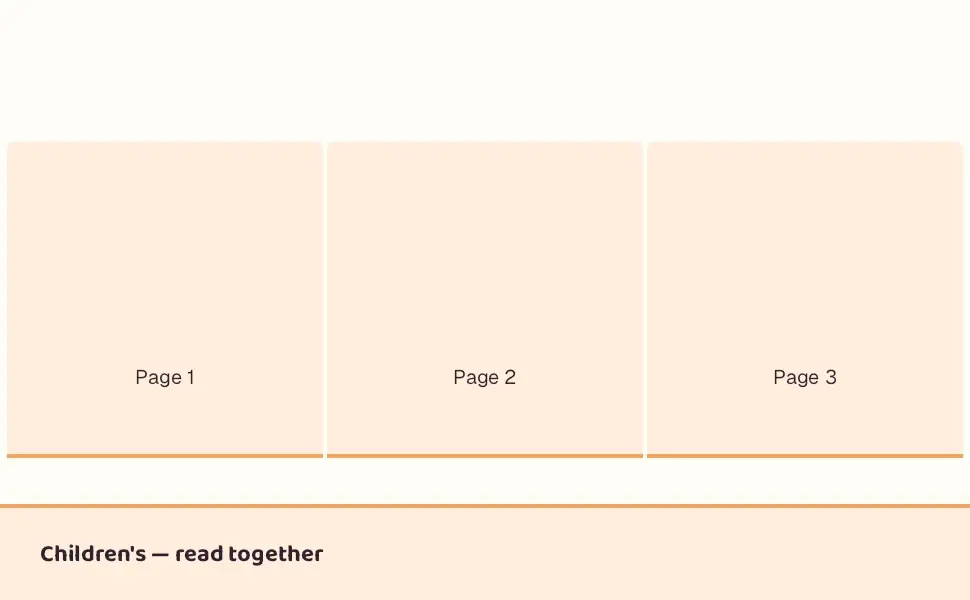
Three square images, each at least 300×300. Used for the three things a reader wants confirmed before buying, not for three variations of the cover.
| Slot | Filled from | Limit |
|---|---|---|
| Image 1 (image) | Interior page 1 | 300×300 (600×600 at 2×) px · KDP says |
| Image 2 (image) | Interior page 2 | 300×300 (600×600 at 2×) px · KDP says |
| Image 3 (image) | Interior page 3 | 300×300 (600×600 at 2×) px · KDP says |
| slot-1 headline (text) | the pack's own wording — “Read It Aloud” until you link a book | 160 characters · provisional (Seller Central figure) |
| slot-2 headline (text) | the pack's own wording — “Look at Every Page” until you link a book | 160 characters · provisional (Seller Central figure) |
| slot-3 headline (text) | the pack's own wording — “Ask What Happens Next” until you link a book | 160 characters · provisional (Seller Central figure) |
3. Standard Single Left Image
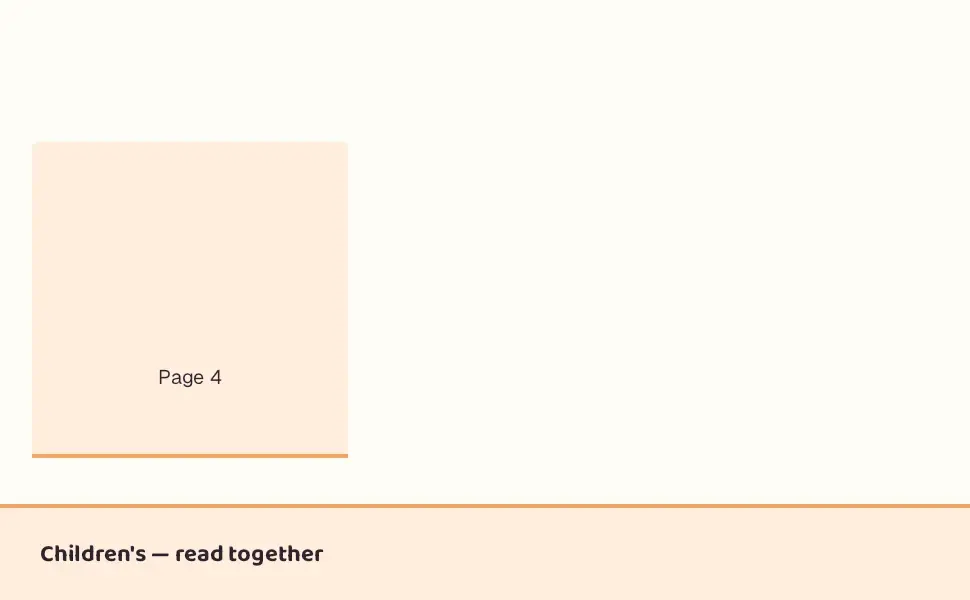
One image, one block of text, image on the left. Alternated with its mirror it reads as a page rather than as a stack of blocks.
| Slot | Filled from | Limit |
|---|---|---|
| Image (image) | Interior page 4 | 300×300 (600×600 at 2×) px · provisional (Seller Central figure) |
| Body text (text) | a section of the listing description — “Who this book is for.” until you link a book | 1,000 characters · provisional (Seller Central figure) |
| Headline (text) | the pack's own wording — “For This Age” until you link a book | 160 characters · provisional (Seller Central figure) |
| Subheadline (text) | the book's subtitle — “Your Subtitle” until you link a book | 200 characters · provisional (Seller Central figure) |
4. Standard Text
A headline and a paragraph. Useful as a closing note; wasteful as an opener, because the shopper reaching it has already scrolled past the cover.
| Slot | Filled from | Limit |
|---|---|---|
| Body text (text) | a section of the listing description — “What a family gets from these pages.” until you link a book | 5,000 characters · provisional (Seller Central figure) |
| Headline (text) | the pack's own wording — “About This Book” until you link a book | 160 characters · provisional (Seller Central figure) |
5. Standard Technical Specifications
A specification table with no image — the same facts as the specs-detail module, for a book whose pages do not photograph well.
| Slot | Filled from | Limit |
|---|
Using this layout
In the Book Studio A+ Content Designer this pack is one click: it adds every module, fills each plate from the book you linked, writes the starting copy from the listing, and resolves the palette above into your own brand colours. To build it by hand in A+ Content Manager instead, the tables above give you every module name, slot size and character limit — and the free template maker will export each image at the exact pixels.
The full limits table for all seventeen modules is in the character-limits guide.
Rendered 2026-09-06. A conforming file is not an approval — Amazon reviews A+ content by hand.
SmartKDP is not affiliated with, endorsed by, or sponsored by Amazon. Amazon, Kindle, and Kindle Direct Publishing are trademarks of Amazon.com, Inc. or its affiliates.
Get the KDP toolkit updates
New free tools and KDP rate-change alerts, occasionally, no spam.